How to Choose a Domain Name?
Choosing a domain name is one of those decisions that feels small in the moment but carries massive weight for years. It is your permanent address on the internet. It’s what people type when they want to find you, what search engines look at to understand you, and the first thing a potential customer sees in their browser bar.
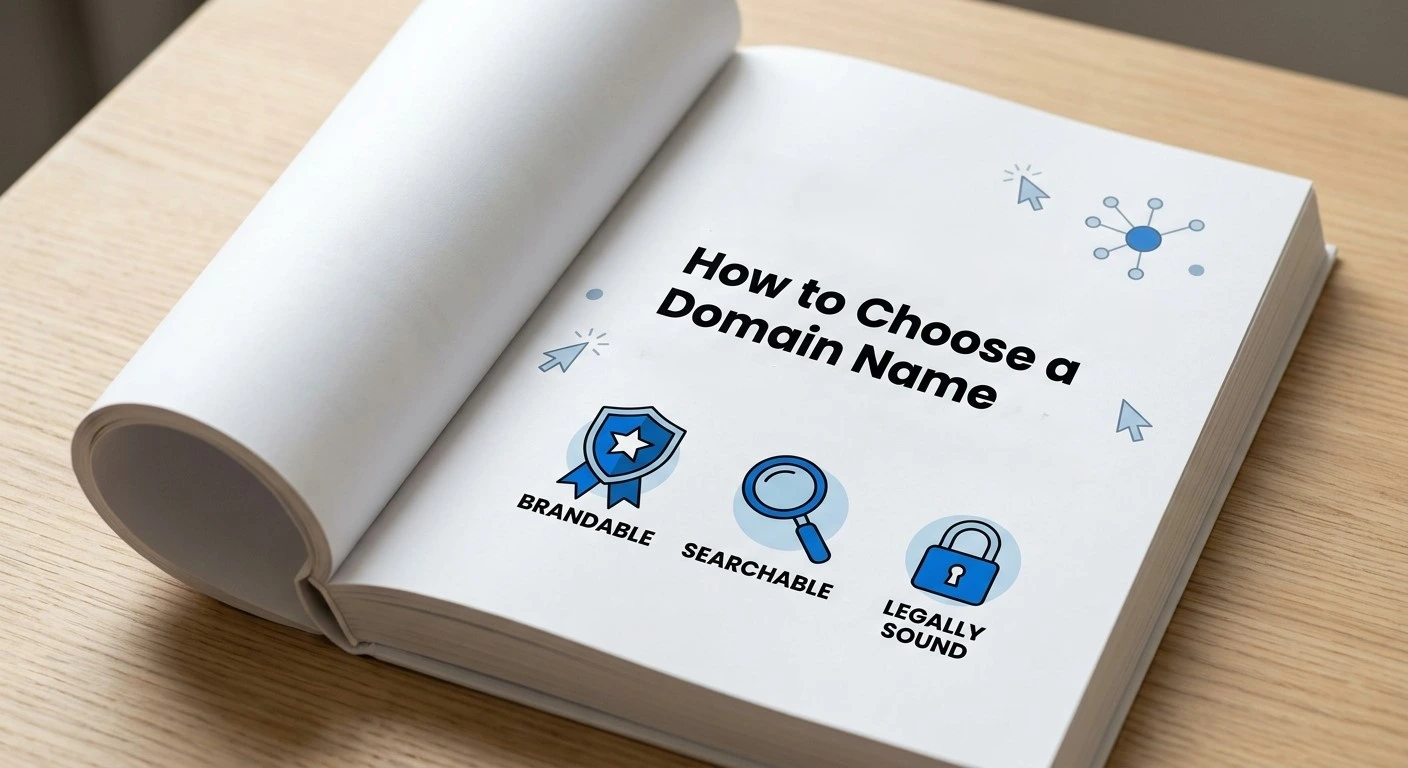
In an era where digital first impressions are everything, “good enough” isn’t enough. You need a domain that is brandable, searchable, and legally sound. This guide covers every nook and cranny of domain selection to help you make a choice you won’t regret.
Why Your Domain Choice is a Critical Business Asset
Think of your domain name as digital real estate. Over time, that real estate gains “authority” in the eyes of Google. If you change your domain three years down the line, you risk losing all that built-up SEO equity.
A well-chosen domain builds immediate trust. It tells visitors whether you are a professional enterprise or a temporary experiment. It is a long-term asset that, if chosen wisely, grows in value alongside your business. If you pick a name that is confusing or hard to spell, you are essentially putting a “closed” sign on your door for a huge percentage of potential traffic.
Phase 1: The Psychology of a Great Domain
Before we look at keywords or extensions, we have to talk about how humans process information. A domain name needs to be “cognitively easy.”
1. The “Radio Test” (Verbal Clarity)
If you were featured on a podcast or mentioned your website to a friend in a loud coffee shop, would they know exactly how to spell it?
- The Problem: If your name is
KreativeKakes.com, you will constantly have to say, “That’s creative with two K’s.” - The Solution: Stick to the most intuitive spelling. If people have to think about the spelling, you’ve already lost them.
2. Avoiding “Linguistic Near-Misses”
Avoid using double letters (e.g., PressSetup.com). When the end of one word is the start of the next, it leads to typos. People will type Pressetup.com or Presetup.com by accident.
3. Length and “The 12-Character Sweet Spot”
While you can have a domain up to 63 characters, data shows that the most successful websites hover between 6 and 12 characters. Short names are punchy, look better on business cards, and are significantly harder to mess up during typing.
Phase 2: SEO Strategy and Keyword Integration
There is a lot of debate about “Exact Match Domains” (EMDs) versus brandable domains. Here is the modern reality of how keywords impact your ranking.
The Death of the “Keyword-Stuffed” URL
Ten years ago, you could rank #1 for “cheap blue widgets” by just buying cheapbluewidgets.com. Today, Google’s algorithms are smarter. They prioritize Brand Authority and User Experience. If your domain looks like spam, users won’t click it, and your ranking will drop regardless of the keywords.
How to Use Keywords the “Human” Way
Instead of stuffing as many keywords as possible, use a Partial Match Domain (PMD). This is a name that includes one core keyword but remains a brand.
- Example: Instead of
BestAffordableItalianLeatherShoes.com, go withVanniniLeather.comorTheLeatherLab.com. - Why this works: It tells Google you are in the leather industry, but it tells the user you are a legitimate brand they can trust.
The “Entity” Factor
Google looks for “Entities.” By choosing a unique name, you make it easier for search engines to identify your business as a specific entity. This helps with your Knowledge Graph and local SEO rankings.
Phase 3: The Technical Landscape of Extensions (TLDs)
The “extension” is the part after the dot. While .com is the undisputed heavyweight champion, the landscape is changing.
1. Is .com Still Essential?
For most businesses, yes. It is the default setting in the human brain. If you tell someone your site is AcmeDesigns, 99% of them will type AcmeDesigns.com. If you own .net or .io, you might accidentally send your hard-earned traffic to whoever owns the .com version.
2. When to Use New gTLDs (Generic Top-Level Domains)
Extensions like .tech, .app, .marketing, or .store are becoming more common. They are great if:
- Your brand name is highly specific to that niche.
- The
.comis being held for $50,000 by a squatter. - Your audience is tech-savvy (e.g., developers are very comfortable with
.ioor.dev).
3. Geographic TLDs (ccTLDs) for Local Domination
If you only sell pies in London, Pies.co.uk is actually better for you than Pies.com. It tells search engines to prioritize your site for users in that specific country. However, if you have global ambitions, stick to a global TLD like .com.
Once you have settled on the perfect domain, your next major technical decision is where to host your site, as the foundation you choose impacts your site’s performance and scalability. For a deeper look at your options, you might want to explore the Difference Between Web Hosting and WordPress Hosting? to ensure your choice aligns with your long-term goals.

Phase 4: Legal Protection and Brand Consistency
Registering a domain isn’t just a technical act; it’s a legal one.
1. The Trademark Trap
A domain being “available” to buy from a registrar (like GoDaddy or Namecheap) does not mean it’s legal for you to use.
- Action Step: Go to the USPTO (for the US) or your local trademark office and search your name. If someone has a trademark for that name in your industry, they can take your domain away through a UDRP (Uniform Domain-Name Dispute-Resolution Policy) filing.
2. Social Media Synchronization
Your brand should be a “package deal.” Before you buy the domain, check if the handles are available on:
- TikTok
- Twitter (X)
If you are BlueOcean.com but your Instagram handle is @Blue_Ocean_123_Official, your brand looks fragmented and amateur.
Phase 5: The “Old Domain” Strategy (Buying Premium vs. New)
Sometimes the best domain isn’t a new one; it’s one that already exists.
Buying from the Aftermarket
If your perfect .com is taken but unused, you can reach out to the owner or use a broker (like Sedo or BuyDomains).
- Pros: You get a short, memorable name and potentially some existing SEO authority.
- Cons: It can be expensive (ranging from $500 to $500,000).
Checking Domain History (Crucial!)
Before buying an existing domain, check its “reputation.” A domain might have been used for spam or banned from Google AdSense in the past.
- Tool: Use the Wayback Machine to see what used to be on the site.
- Tool: Use a Backlink Checker (like Ahrefs or Moz) to see if the site has thousands of “toxic” or “spammy” links pointing to it. You don’t want to inherit someone else’s mess.
Phase 6: Protecting Your Purchase
Once you’ve found the winner, you need to lock it down.
1. Domain Privacy (WHOIS Protection)
When you register a domain, your name, home address, and phone number are put into a public database. Spammers use this to harass you. Most registrars offer “Domain Privacy” for free or a small fee. Always use it.
2. Auto-Renewal and Locking
Turn on auto-renewal. Every year, people lose their businesses because they forgot to check an old email and their domain expired. Furthermore, enable “Registrar Lock” so no one can transfer your domain away without your explicit permission.
3. Registering “Close Calls”
If you are BrandName.com, it is worth spending an extra $10 a year to buy Brand-Name.com and BrandNames.com. You can “301 redirect” these to your main site. This prevents competitors from moving in on your territory.
Phase 7: What to Do if Your Name is Taken
If you’re staring at a “Taken” screen, take a deep breath. Here are four ways to pivot:
- The “Verb” Strategy: Add an action word.
GetPocket.com,UseLoom.com,GoShopify.com. - The “Entity” Strategy: Add what you are.
TeslaMotors.com(how they started),FitbitApp.com. - The “Location” Strategy: If you are a local business, add your city or state.
PlumberNewYork.com. - The “Vibe” Strategy: Switch to a synonym. If “Flow” is taken, try “Stream,” “current,” or “drift.”
Summary Checklist for a Winning Domain
- Is it easy to type? (No double letters, no “K” instead of “C”).
- Does it pass the Radio Test? (Can someone spell it after hearing it once?).
- Is it short? (Ideally under 12-14 characters).
- Is it a .com? (Unless you have a specific reason to go elsewhere).
- Is it trademark-free? (You’ve checked the legal databases).
- Are the social handles clear? (Consistency across platforms).
- Does it avoid numbers and hyphens? (The ultimate conversion killers).
Choosing a domain is about finding the intersection of searchability and brandability. Don’t rush it. This is the foundation of your digital house. Build it on solid ground, and the rest of your marketing efforts will be ten times easier. Once you find it, don’t hesitate—someone else might be thinking of the same great name right now. Register it and start building!