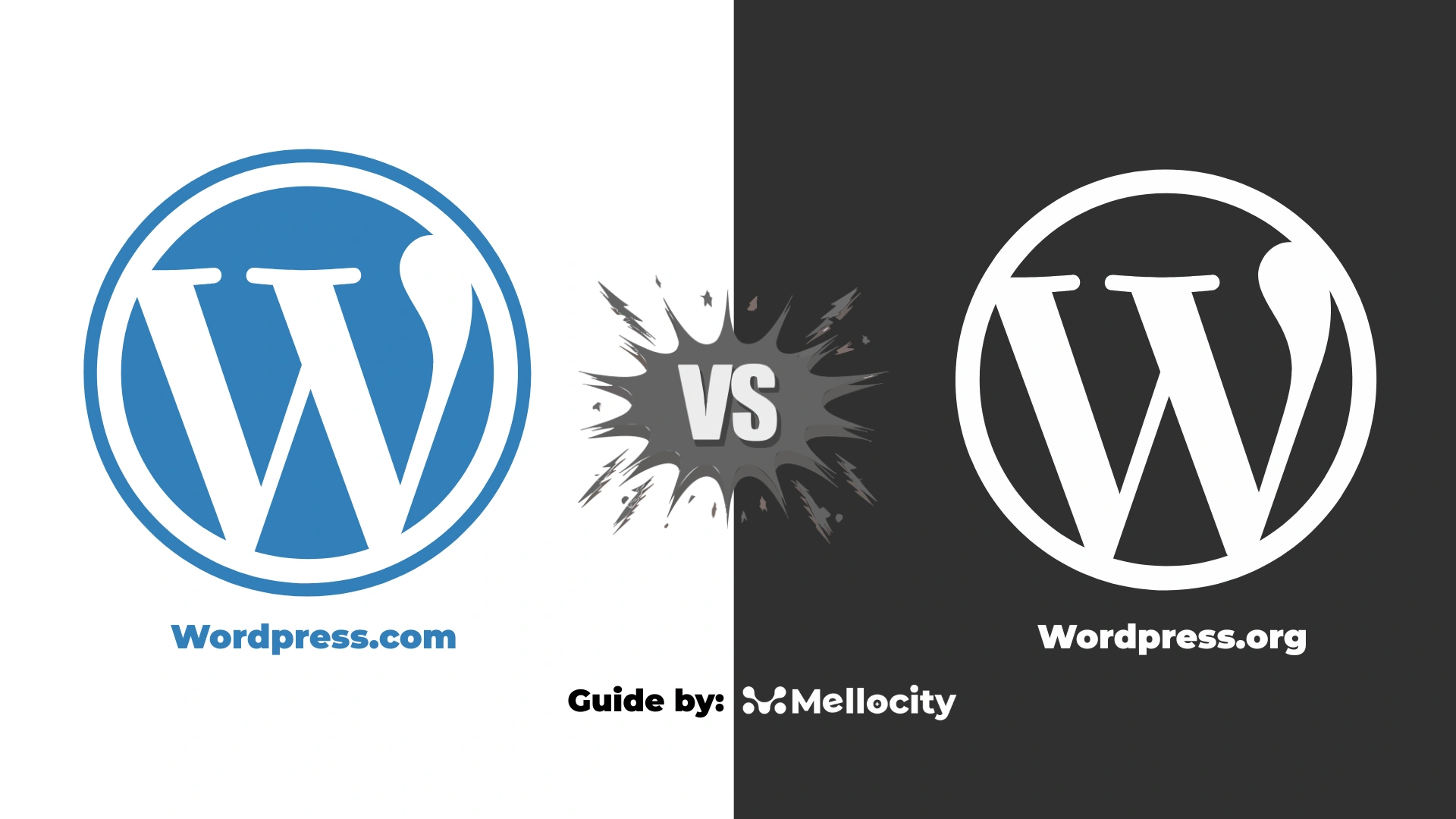
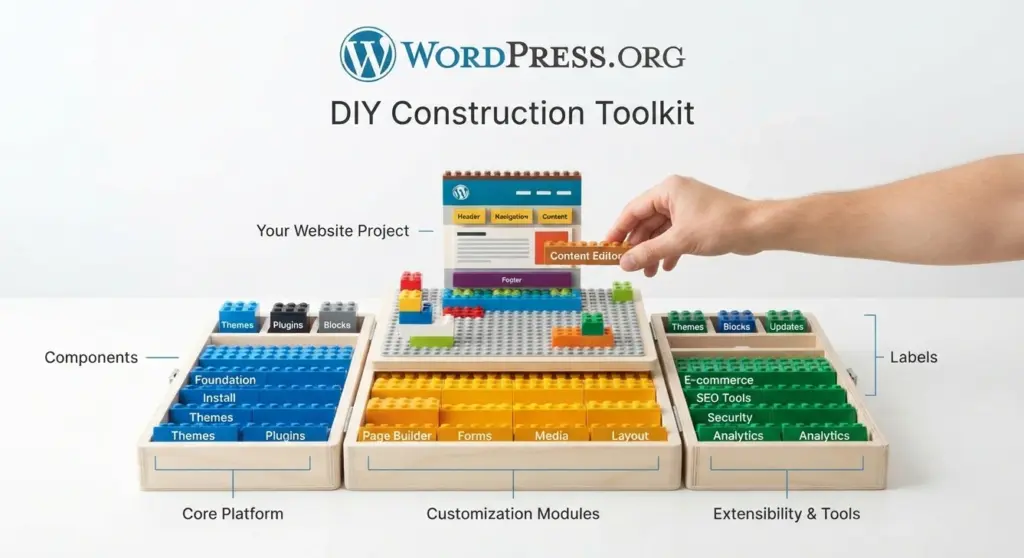
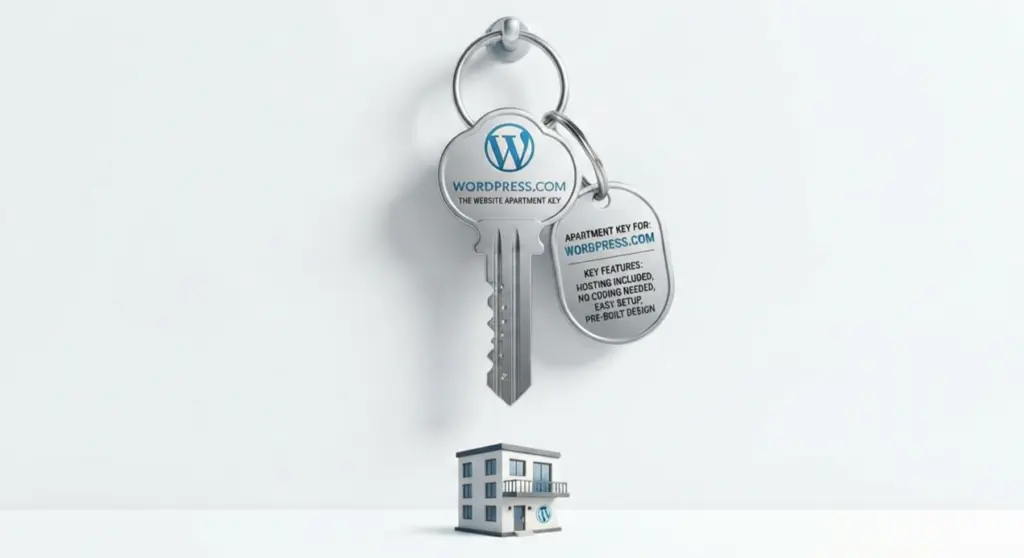
WordPress.org is free, open-source software you install on your own web hosting, giving you full control over your site. WordPress.com is a hosting company that runs that same software for you, on its servers, in exchange for a monthly fee. One is a toolkit you assemble yourself. The other is a finished apartment you rent.
The Core Difference, in Plain Terms
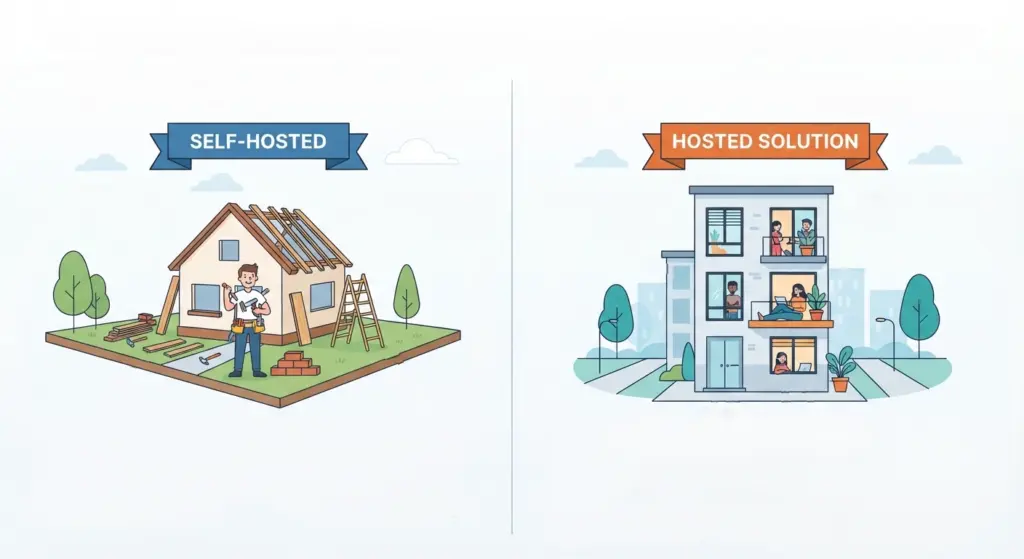
Think of it like the difference between owning a house and renting an apartment.
- WordPress.org is the actual WordPress software — free to download from WordPress.org, the official open-source project. You install it on a web host of your choosing (Bluehost, SiteGround, Hostinger, WP Engine, or dozens of others), and from there you own every decision: which theme, which plugins, which security setup, which backup schedule.
- WordPress.com is a company (run by Automattic) that takes that same open-source software, hosts it on its own infrastructure, and sells you access to it as a managed service. You don’t touch a server. You log in, pick a plan, and start building.
Both ultimately produce a WordPress website. The ownership, cost structure, and ceiling on what you can do are completely different.
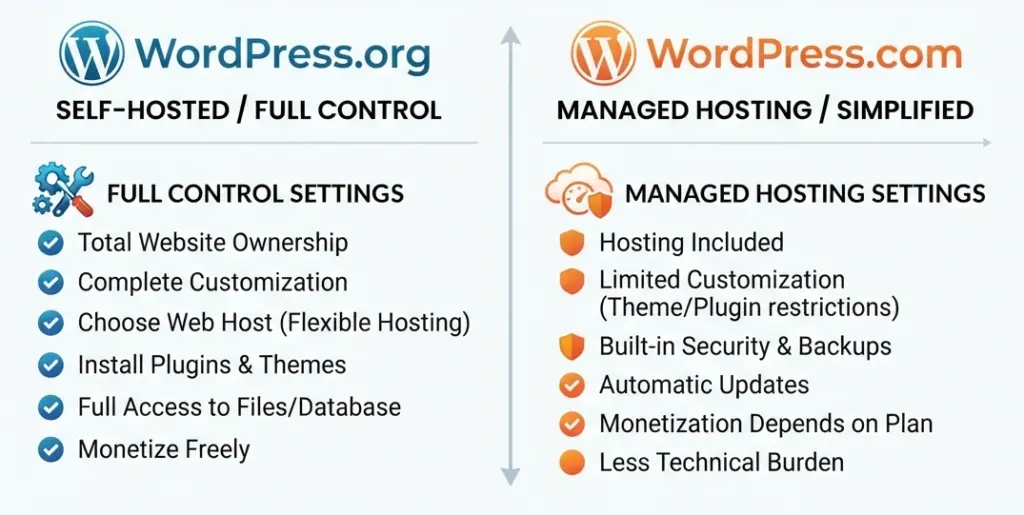
Quick Comparison Table
| WordPress.org (self-hosted) | WordPress.com (hosted) | |
|---|---|---|
| Software cost | Free | Free tier available; paid plans required for real use |
| Hosting | You buy separately | Included in the plan |
| Custom plugins/themes | Unlimited | Only on Business plan and above |
| Full code access | Yes | No (unless on higher-tier plans) |
| Monetization/ads | Full control | Restricted on lower tiers |
| Maintenance & updates | Your responsibility | Handled for you |
| Learning curve | Steeper | Gentler |
| Best for | Businesses, developers, anyone wanting full control | Beginners, bloggers, people who want it simple |
WordPress.org: The Self-Hosted Route
How it works
You download WordPress for free from wordpress.org, install it on a hosting account you’ve purchased, and you’re the one running the show. Most hosting providers now offer one-click WordPress installs, so the technical barrier isn’t as high as it used to be. But you’re still the person responsible for choosing a host, picking a domain, keeping the software updated, and setting up backups.
What you actually get
- Total design freedom. Any theme, from the WordPress.org theme repository or a third-party marketplace, is fair game.
- Any plugin you want. This is the big one. WooCommerce for stores, Yoast or Rank Math for SEO, membership plugins, LMS plugins, custom booking systems — the plugin ecosystem is what makes self-hosted WordPress genuinely powerful.
- Full code access. You can edit theme files, add custom functionality, connect to external APIs, and build things that don’t exist as off-the-shelf features anywhere.
- You keep 100% of any revenue. No platform cut on ads, affiliate links, or sales.
What it costs you in return
Nothing about self-hosted WordPress is truly “free” once you’re running a real site. Shared hosting for beginners commonly starts in the roughly $3–5 a month range. Managed WordPress hosting for growing businesses can run $20–30 a month, and you’ll also need a domain name (usually somewhere in the $10–20 a year range depending on the registrar and extension). Whatever premium themes, plugins, or security tools you decide to add. None of that is handled for you , and neither is troubleshooting when a plugin conflict breaks your site at 11 p.m.
That trade-off is the whole story with WordPress.org: more power, more responsibility.
WordPress.com:
How it works
You sign up directly at WordPress.com, choose a plan, and start building inside their interface. Hosting, server maintenance, core software updates, and basic security are all handled on their end. This is closer to using a website builder like Squarespace or Wix, except the underlying engine is WordPress itself.
Current plans (2026)
WordPress.com’s pricing has settled into a fairly consistent structure across sources as of mid-2026:
| Plan | Monthly billing | Annual billing (per month) |
|---|---|---|
| Free | $0 | $0 |
| Personal | $9 | $4 |
| Premium | $18 | $8 |
| Business | $40 | $25 |
| Commerce | $70 | $45 |
| Enterprise | Custom quote | Custom quote |
Yearly billing cuts these rates by up to 55%, and multi-year commitments can push the discount even further. A couple of practical notes worth knowing before you pick a plan:
- The Free, Personal, and Premium plans don’t allow custom plugin installation — so no Rank Math, no WooCommerce (outside the Commerce tier), no custom forms or advanced analytics plugins. You’re working within WordPress.com’s built-in toolset.
- The free domain that comes with paid plans only lasts the first year; after that it renews at standard registrar rates, which commonly land around $15–25 for a .com.
- Business and Commerce plans include a free professional email inbox for the first year through Titan, which then reverts to standard per-mailbox pricing after that.
So the sticker price is only part of the picture — budget for what happens in year two, not just year one.
What you’re paying for
- Zero server management. No hosting account to configure, no software updates to remember, no server-level security patching.
- A gentler learning curve. The setup process is closer to filling out a form than configuring infrastructure.
- Support built in. Paid plans come with access to WordPress.com’s support team, which self-hosted users don’t get by default (you’re on your own or paying a developer).
- Reliable uptime and speed, since you’re on infrastructure built specifically for WordPress at scale.
Where it limits you
This is the part beginners often don’t find out until they’ve already invested time into a site: on the lower-tier plans, you can’t install custom plugins or themes, you can’t access the underlying code, and (on the free plan specifically) WordPress.com branding and ads may appear on your site whether you want them there or not. Custom plugin access — including WooCommerce for anything beyond the Commerce tier — only unlocks once you’re on the Business plan.
A Situation Worth Knowing About:
This is the part a lot of comparison articles skip. WordPress.com’s Business plan (and above) actually removes most of the restrictions that make people say “just use WordPress.org instead.” At that tier, you get plugin installation, theme installation, and SFTP/database access — meaning it starts to behave a lot like self-hosted WordPress, just with the hosting bundled in and a higher monthly price attached.
So the real decision isn’t always a clean binary between “.com” and “.org.” It’s closer to a spectrum: fully managed and restricted (WordPress.com Free/Personal/Premium) → managed but flexible (WordPress.com Business/Commerce) → fully self-managed and unrestricted (WordPress.org). Where you land on that spectrum should depend on how much control you actually need versus how much maintenance you’re willing to take on.
How to Decide Between Them
Ask yourself these questions honestly:
1. Do you want to write code or manage a server, ever? If the answer is a firm no, WordPress.com’s Personal or Premium plan will get you a working, professional-looking site without touching a terminal.
2. Do you plan to sell products, run a membership site, or need a specific plugin? If yes, you’ll either need WordPress.com’s Business/Commerce plan or WordPress.org with your own hosting. The plugin ecosystem on self-hosted WordPress is significantly larger and more flexible.
3. Is budget predictability more important than raw cost? WordPress.com bundles hosting, security, and support into one flat fee, which is easier to plan around. WordPress.org can be cheaper starting out, but costs are spread across multiple vendors (host, domain registrar, plugin developers), which takes more effort to track.
4. Are you building this for a client or a business that will outlive you managing it personally? Self-hosted WordPress.org is the standard choice for freelance developers and agencies, largely because it hands the client full ownership and doesn’t lock them into a specific hosting company’s ecosystem.
5. How technical are you, realistically — not aspirationally? This one matters more than people admit. WordPress.org rewards technical comfort. If plugin conflicts, PHP errors, or hosting control panels sound stressful rather than interesting, that’s useful information about which platform will actually get finished.
Can You Switch Later?
Yes — migration between the two is common, in both directions. Moving from WordPress.com to a self-hosted WordPress.org install typically involves exporting your content, setting up hosting, reinstalling plugins and themes manually, and repointing your domain’s DNS. It’s doable without a developer if your site is simple, but it gets more involved the more WordPress.com-specific features (like certain block patterns or built-in monetization tools) you’ve relied on. Migrating the other way — from self-hosted to WordPress.com — is generally more straightforward, since WordPress.com has built-in import tools for standard WordPress content.
The practical takeaway: starting on WordPress.com isn’t a permanent decision. It’s a reasonable way to launch quickly and move to self-hosting later once you know exactly what you need.
The Bottom Line
Neither option is objectively “better” — they’re built for different priorities. WordPress.org gives you full ownership and unlimited flexibility, at the cost of needing to manage hosting, updates, and security yourself. WordPress.com trades some of that flexibility for convenience, support, and a much shorter setup time, at a recurring cost that scales with how much control you want back.
If you’re building a simple blog, portfolio, or resume site and don’t want to think about hosting, WordPress.com’s Personal or Premium plan is a sensible starting point. If you’re building a business site, an online store with specific requirements, or anything you expect to scale and customize heavily over time, self-hosted WordPress.org — paired with a solid hosting provider — is usually the better long-term foundation.
FAQs
Is WordPress.com or WordPress.org better for beginners?
WordPress.com is generally easier for absolute beginners since hosting, updates, and security are handled for you. WordPress.org has a steeper learning curve but gives you far more room to grow without hitting a platform ceiling.
Is WordPress.org really free?
The software itself is free to download and use. However, running a real site still requires paying for hosting and a domain name, and typically some premium themes or plugins, so “free” only applies to the software license, not the total cost of running a site.
Can I use WooCommerce on WordPress.com?
Yes, but only if you’re on the Commerce plan (or Business plan and above for third-party plugins generally). On lower-tier WordPress.com plans, WooCommerce and most other plugins aren’t available.
Which one is better for SEO?
Self-hosted WordPress.org generally has an edge for SEO because it allows full access to SEO plugins like Yoast or Rank Math, plus complete control over site structure and technical settings. WordPress.com’s higher-tier plans do include SEO tools, but lower tiers are more limited.
Do I need coding skills to use WordPress.org?
Not necessarily for basic setup — most hosts offer one-click WordPress installs and pre-built themes. But troubleshooting, customization beyond what a theme offers, and plugin conflicts are much easier to handle if you have at least some comfort with code, or a budget to hire someone who does.
Can I move my site from WordPress.com to WordPress.org later?
Yes. You can export your content from WordPress.com and import it into a self-hosted WordPress.org install. The more you’ve relied on WordPress.com-specific features, the more manual rebuilding will be involved, but it’s a well-established migration path.
Does WordPress.com put ads on my site?
On the free plan, yes — WordPress.com displays its own ads on free-tier sites. Paid plans remove those ads, starting from the Personal tier.
Which is cheaper in the long run?
It depends on your needs. WordPress.com’s lower tiers can be cheaper if you only need basic features. But once you require plugins, e-commerce, or more storage, self-hosted WordPress.org with budget shared hosting can end up costing less than WordPress.com’s higher-tier plans — though it demands more of your own time to manage.
Note on pricing: WordPress.com and hosting costs change periodically. The figures above reflect the most recent data available as of mid-2026 across multiple independent sources; readers should verify current pricing directly on WordPress.com before purchasing.