HTTP 502 Bad Gateway: Troubleshooting, SEO Impact, and Fixes
In the vast, interconnected world of the internet, things usually work seamlessly. You click a link, and a webpage appears. However, occasionally, you are met with an abrupt, frustrating message: “502 Bad Gateway.”
If you have encountered this error, you aren’t alone. It is one of the most common hiccups on the web. But what does it actually mean? At its core, a 502 error is a communication breakdown behind the scenes. It isn’t necessarily a problem with your computer or your internet connection, but rather a disconnect between two servers that are supposed to be talking to each other.
To navigate this issue effectively, one must understand how modern web traffic flows. This guide will walk you through everything from basic definitions to advanced server-side troubleshooting, written for both curious visitors and stressed-out website owners.
What Exactly is a 502 Bad Gateway Error?
To understand the 502 error, we have to look at how the internet functions. When you type a URL into your browser, you are the client. You are sending a request to a web server to fetch a specific page.
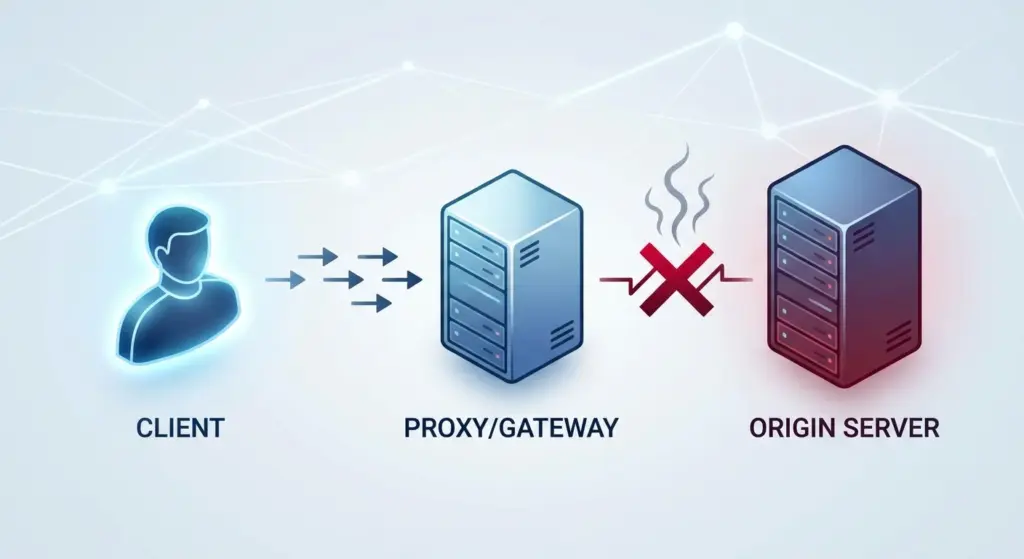
In modern web architecture, that request rarely goes straight to a single, monolithic server. Instead, it often hits an upstream server—such as a proxy server, a load balancer, or a gateway—that then forwards your request to the actual backend server (the “origin” server) where the website’s data lives.
A 502 Bad Gateway error occurs when that intermediate server receives an invalid response from the backend server it is trying to talk to. Think of it as a middleman (the gateway) calling a supplier (the origin server) to get a product for a customer (you), but the supplier hangs up, speaks a language the middleman doesn’t understand, or is simply not there. According to AIOSEO, this “failure response” propagates all the way back to your screen.
Decoding the “502” Status Code
HTTP status codes are standardized by the IETF (Internet Engineering Task Force). They are grouped by their first digit to help developers identify the nature of the issue immediately:
- 1xx (Informational): The request was received.
- 2xx (Success): The action was successfully accepted (e.g., 200 OK).
- 3xx (Redirection): Further action must be taken to complete the request.
- 4xx (Client Errors): The request contains bad syntax or a missing page (e.g., 404 Not Found).
- 5xx (Server Errors): The server failed to fulfill an apparently valid request.
The 502 specifically falls into the server error category. Its unique identifier tells us that while the gateway is technically “online,” it cannot get a valid “handshake” or response from the server behind it.
Common Variations of the 502 Error Message
Depending on the website’s setup and the server software they use, you might see different versions of this error. As noted by Ranktracker, site owners can customize these pages, but common variations include:
- 502 Bad Gateway NGINX / 502 Bad Gateway Apache
- HTTP Error 502
- 502 Proxy Error
- Temporary Error (502)
- 502. That’s an error. (Common on Google services)
- Bad Gateway: The proxy server received an invalid response from an upstream server.
Why Does This Happen? (Common Technical Causes)
Because a 502 error is essentially a “broken telephone” situation, there are several “suspects” that could be causing the issue. Rarely is it a single catastrophic event; often, it’s a configuration slip or a resource bottleneck.
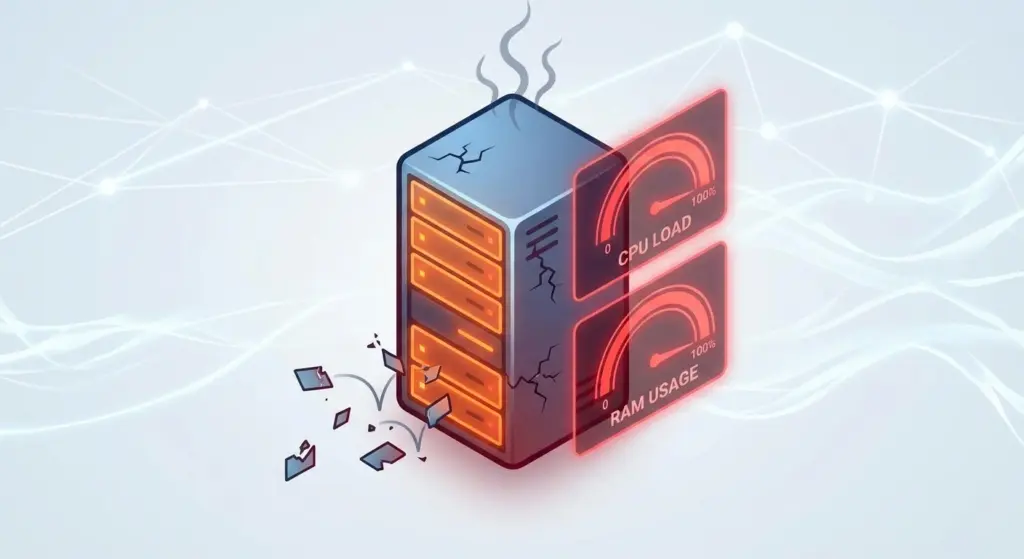
Unexpected Server Overload
If a website suddenly receives a massive spike in traffic—perhaps due to a viral social media post—the backend server might become overwhelmed. It becomes so busy processing existing requests that it stops responding to the proxy/gateway. The gateway eventually times out and report a 502.
Server Crashes and Maintenance Procedures
Sometimes, the backend application service (like PHP-FPM, Node.js, or a database) simply goes offline. If the middleman knocks and nobody is home, a 502 is inevitable.
Misconfigured Reverse Proxies or Gateways
Sometimes, the middleman is the problem. If configuration files like proxy_pass in Nginx are pointing to the wrong IP address or an inactive port, the gateway will never reach the backend server.
Security Firewalls and DDoS Protection
Firewalls like WAFs (Web Application Firewalls) are designed to protect servers. However, as SEO Nimbus points out, firewalls can sometimes “inadvertently block communication” between the gateway and the origin server, treating a legitimate internal request as a threat.
Application Bugs (The “Invalid Response”)
If a piece of code crashes mid-execution or returns “malformed headers” (metadata the server doesn’t understand), the gateway won’t know how to handle it. This specific “invalid response” is the cornerstone of the 502 error.
How 502 Errors Impact Your SEO Rankings
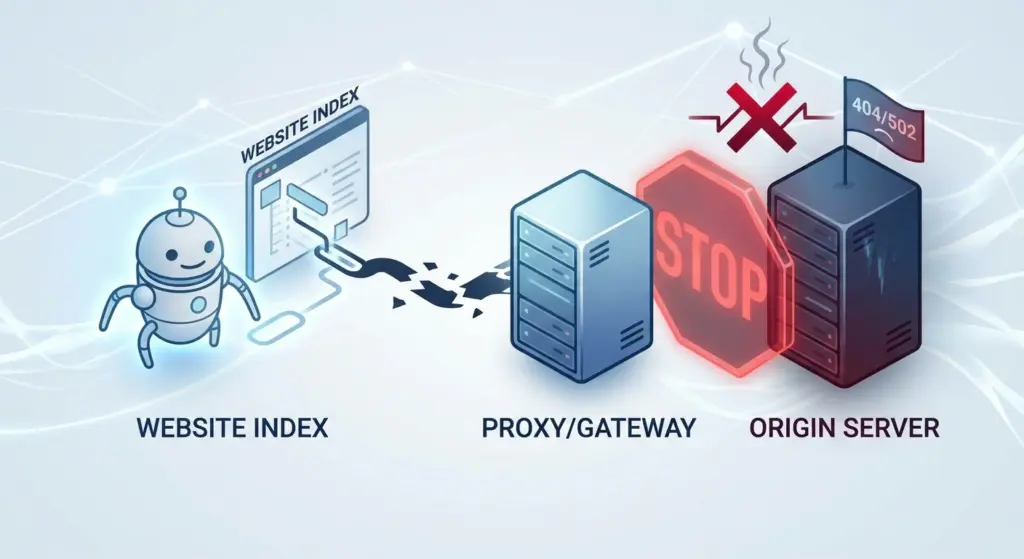
From an SEO perspective, a 502 error is more than just a nuisance—it’s a risk to your visibility. Search engine bots like Googlebot are essentially very sophisticated “visitors.”
- Crawlability Issues: If Googlebot hits a 502 error, it cannot access the content. If this happens frequently, search engines may lower the “crawl rate” for your site, meaning new content takes longer to appear in search results.
- De-indexing Risks: A short outage (a few minutes) won’t hurt you. However, as Twaino explains, if a page stays down for hours or days, Google may conclude the page no longer exists and remove it from the index entirely.
- User Experience (UX) Signals: Frequent 502s increase your “Bounce Rate.” Users who land on a broken page will immediately return to the search results, signaling to Google that your site is unreliable or poor quality.
How to Fix 502 Errors: The Visitor’s Checklist
If you are just a user trying to browse a site, the problem is likely on their side, but you can try these steps to rule out local issues:
- The Quick Refresh: Wait 60 seconds and hit F5. Many 502s are temporary glitches during server restarts.
- Try Incognito Mode: This disables extensions and clears the temporary cache. If it works here, your main browser’s cookies or cache are the culprits.
- Clear Browser Cache: If Incognito worked, go to your settings and clear your browser’s “Cached images and files.”
- Check a “Down” Monitor: Use a site like Is It Down Right Now? to see if the problem is global.
- Change Your DNS: Occasionally, your ISP’s DNS might have an old record. Switching to a public DNS like Google (8.8.8.8) can sometimes resolve localized 502s.
Professional Troubleshooting: A Guide for Website Owners
If you own the site, follow this systematic diagnostic path to restore service.
1. Inspect Your Error Logs
This is the single most important step. Don’t guess—check the logs.
- Nginx:
/var/log/nginx/error.log - Apache:
/var/log/apache2/error.log - WordPress: Enable
WP_DEBUGin yourwp-config.phpfile to see specific PHP fatal errors.
2. Check Backend Service Status
Verify that your application is actually listening. Use commands like:
systemctl status php-fpm(for PHP sites)pm2 status(for Node.js)sudo netstat -tulpn(to see which ports are active)
3. Analyze Resource Usage
Run htop or top. If your RAM is full or the CPU is at 100%, the backend is likely timing out. You might need to upgrade your hosting plan or optimize slow database queries.
4. Adjust Timeout Thresholds
As Rank Math suggests, sometimes the server just needs more time. If you have long-running scripts, you may need to increase proxy_read_timeout in Nginx or max_execution_time in your PHP configuration.
5. Deactivate Plugins and Themes (WordPress)
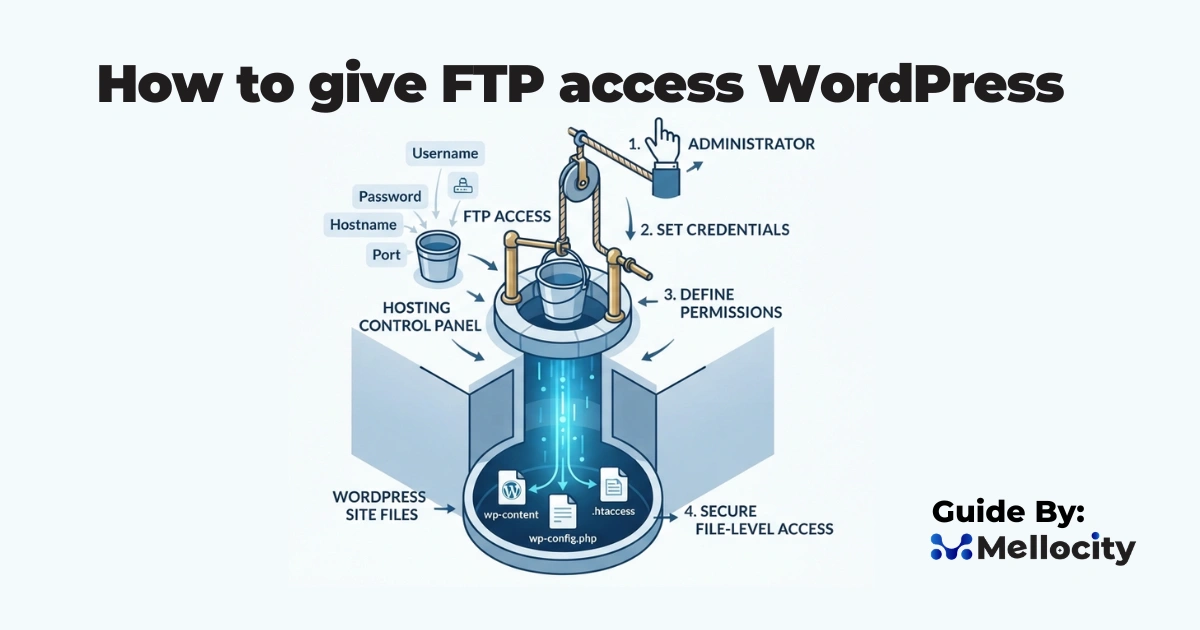
If you are on WordPress, a recent update might have introduced a conflict. Rename your plugins folder via FTP to plugins_old. If the site comes back, you know a plugin was the cause. Reactivate them one by one to find the culprit.
6. Examine Your CDN (Cloudflare, etc.)
If you use a CDN, the 502 might be coming from their “edge” because they can’t communicate with your “origin” server. Check your CDN’s dashboard for “Origin Connectivity” errors.
Comparison: 502 vs. 504 Errors
People often confuse 502 and 504 errors. While they look similar, the underlying cause is different:
- 502 Bad Gateway: The gateway received an invalid or garbage response from the backend.
- 504 Gateway Timeout: The gateway received no response at all within the allowed timeframe.
Best Practices to Prevent Future 502 Outages
“An ounce of prevention is worth a pound of cure.” Here is how to keep 502 errors at bay:
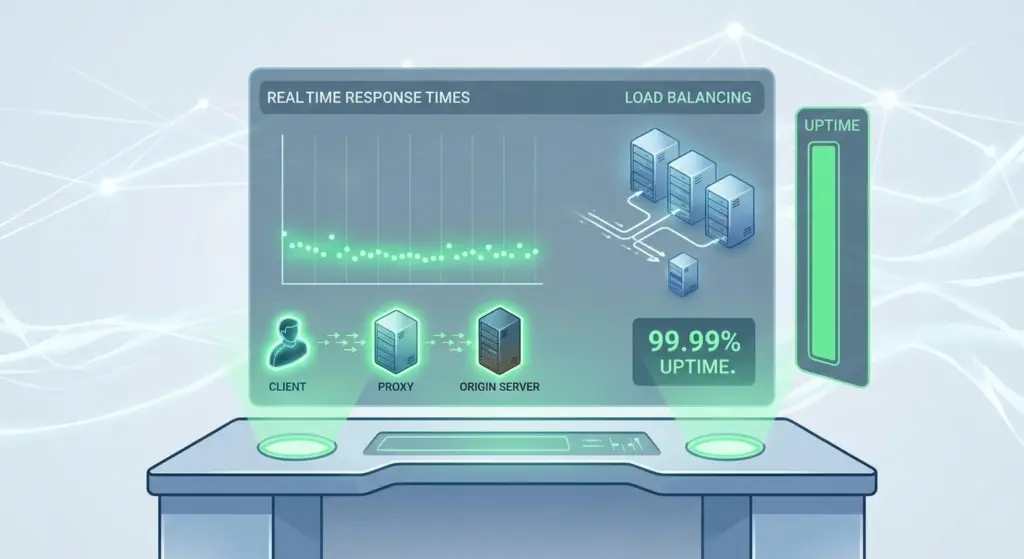
- Load Balancing: Use multiple backend servers. If one fails, the load balancer reroutes traffic to the healthy one.
- Proactive Monitoring: Use tools like UptimeRobot or Pingdom to get notified via Slack or email the second a 502 occurs.
- Database Optimization: Periodically clean your site’s database and optimize slow SQL queries to prevent resource bottlenecks.
- Caching Layers: Implement Redis or Memcached to serve data faster and reduce the load on your origin server.
Conclusion
The HTTP 502 Bad Gateway error is a classic reminder that the web is a sequence of handshakes. While it can be frustrating, it is usually a diagnostic signal that points toward a specific communication failure. By monitoring your logs, managing your server resources, and optimizing your code, you can ensure that the “middleman” and the “supplier” always stay in sync, providing a seamless experience for your users and search engine bots alike.