Migrating a WordPress site is a technical project that affects your files, database, URLs, performance, and search visibility all at once. Done correctly, it can improve speed, stability, and scalability; done poorly, it can break pages, lose data, or damage rankings.
Introduction
To migrate wordpress site successfully, you need more than a file copy and a database export. A proper migration includes planning, backups, staging tests, DNS timing, compatibility checks, and post-launch verification so the move does not interrupt users or search engines.
For small business owners, CTOs, and e-commerce managers, the main goal is simple: move the site without losing traffic, orders, leads, or trust. The safest approach is to treat migration as a controlled release, not a one-click task.
What Migration Means
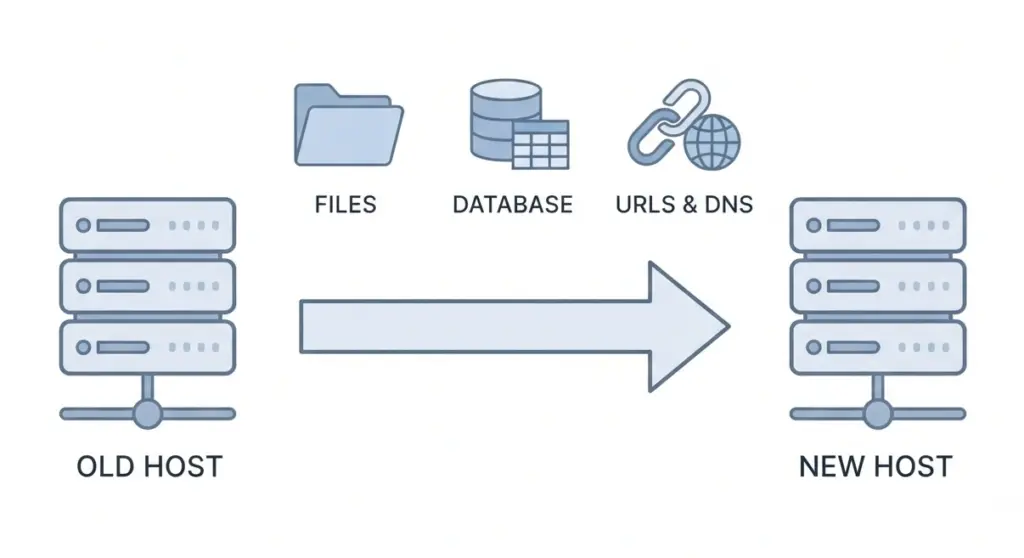
A WordPress migration can involve several different changes, and the process depends on which one you are doing. Common scenarios include moving to a new host, changing domains, moving from staging to production, consolidating multiple sites, or shifting from a local development environment to a live server.
Each scenario affects different parts of the stack. Hosting moves usually focus on server compatibility and transfer speed, while domain changes require URL rewriting, redirect mapping, and SEO preservation. E-commerce and membership sites add extra complexity because carts, logins, subscriptions, and user-generated data must remain intact.
Pre-Migration Planning
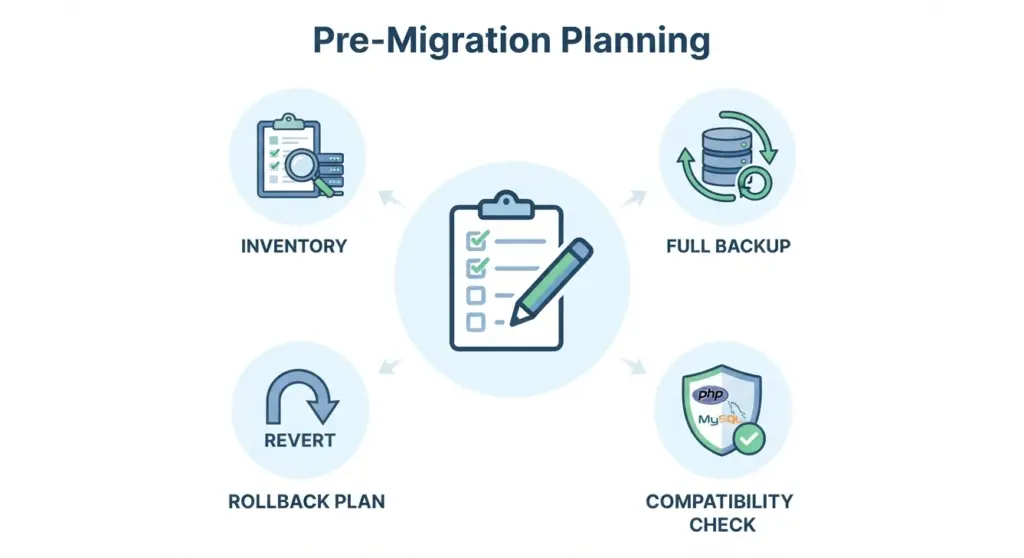
Before you migrate wordpress site files, define the scope of the project. List the current domain, hosting provider, PHP version, database size, active plugins, custom post types, and any integrations such as payment gateways, CRMs, SMTP services, or analytics tags.
A migration plan should also include the following:
- Full file backup, including wp-content, themes, plugins, uploads, and any custom assets.
- Database backup, with a verified restore point.
- A compatibility review for themes, plugins, PHP, MySQL, and server limits.
- A launch window with low traffic and a rollback strategy.
- A testing checklist for forms, checkout, search, login, and key templates.
This planning stage is where agencies reduce risk. It creates visibility around dependencies that are easy to miss, especially when the site contains custom code, large media libraries, or third-party widgets.
Migration Methods
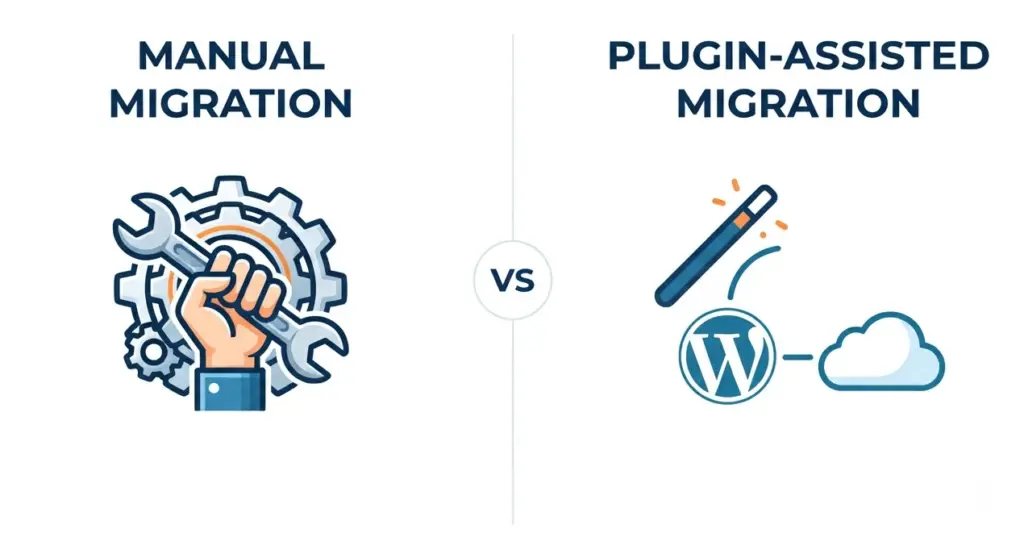
There are two broad methods: manual migration and plugin-assisted migration. Manual migration gives more control and is often better for complex sites, while plugins can simplify routine transfers for smaller or moderately complex websites.
| Method | Best for | Strengths | Risks |
|---|---|---|---|
| Manual migration | Complex sites, custom stacks, larger databases | Full control, precise debugging, better for edge cases | More technical, easier to make configuration mistakes |
| Plugin-assisted migration | Small to mid-sized sites, straightforward host moves | Faster setup, simpler workflow, less manual handling | Limits on file size, plugin compatibility issues, opaque failures |
For enterprise, membership, or high-traffic commerce sites, manual or semi-manual migration is often safer because it allows you to validate database integrity, handle serialized data carefully, and test environment-specific settings before launch.
Step-by-Step Process
The exact workflow varies, but a reliable migration usually follows this sequence.
- Create a complete backup of files and database.
- Set up the new hosting environment or staging server.
- Confirm PHP, database, SSL, and file permission settings.
- Transfer files and import the database.
- Update the
wp-config.phpfile and database connection details. - Replace old URLs with the new domain or path if needed.
- Test the site thoroughly on the new environment.
- Switch DNS or point the domain to the new server.
- Recheck forms, logins, caching, SEO settings, and analytics.
- Monitor logs, rankings, and performance after launch.
A useful example is a business moving from shared hosting to managed WordPress hosting. In that case, the database and media library remain the same, but server-level differences such as caching rules, memory limits, and PHP extensions can change how plugins behave. That is why testing on the destination environment matters as much as the data transfer itself.
Database and URL Changes
The database is the heart of a WordPress migration because it stores posts, pages, users, settings, menus, and plugin data. When the domain changes, every hardcoded URL must be updated carefully, including links in page content, image paths, serialized options, and builder metadata.
This is especially important because WordPress content is not just plain text. Themes and plugins often store structured data, and careless search-and-replace operations can break serialization. That is why migration workflows often rely on database-aware methods or specialized tools rather than basic text replacement alone.
SEO Safeguards
If your migration changes the domain, subdomain, or URL structure, SEO protection becomes critical. The most important tasks are preserving page relevance, maintaining indexable content, mapping old URLs to new ones with 301 redirects, and updating internal links so search engines and users reach the correct destination.
Key SEO safeguards include:
- Keep page slugs stable wherever possible.
- Redirect old URLs one-to-one, not all to the homepage.
- Preserve metadata, canonicals, and structured data.
- Update XML sitemaps after launch.
- Reconnect Search Console and analytics properties if needed.
- Crawl the new site to find broken links and redirect chains.
A domain migration without redirect planning can cause traffic loss, wasted crawl budget, and ranking volatility. The goal is to make the new site look like the same authoritative site to search engines, only on a different technical location.
Performance and Security
Migration is also a chance to improve performance and harden security. New infrastructure may offer better object caching, HTTP/2 or HTTP/3 support, more memory, isolated resources, or a cleaner SSL setup. These upgrades often reduce page load times and make the site more stable under traffic spikes.
Security should be reviewed at the same time. Verify file permissions, rotate credentials if the server changes, remove unused plugins, confirm HTTPS is forced, and check that backups are running on the new environment. If the site handles payments or user accounts, ensure all third-party integrations point to the correct production endpoints.
Common Problems
Even well-planned migrations can hit issues, and most of them are predictable. Common problems include broken images, mixed-content warnings, 500 errors, login loops, missing CSS/JS files, slow admin dashboards, and plugin conflicts caused by different server settings.
Typical troubleshooting areas:
- Broken links or images, usually from incomplete URL replacement.
- Blank pages or fatal errors, often caused by PHP version mismatch or plugin incompatibility.
- Login failures, sometimes due to cookie or domain issues.
- Missing styling, often related to cached assets or incorrect file paths.
- Redirect loops, usually from conflicting HTTPS or www rules.
For larger sites, one of the most common failure points is incomplete testing under real conditions. A site can appear fine on the homepage while deeper pages, forms, or checkout flows fail because of overlooked plugin dependencies or server-level differences.
Best Practices
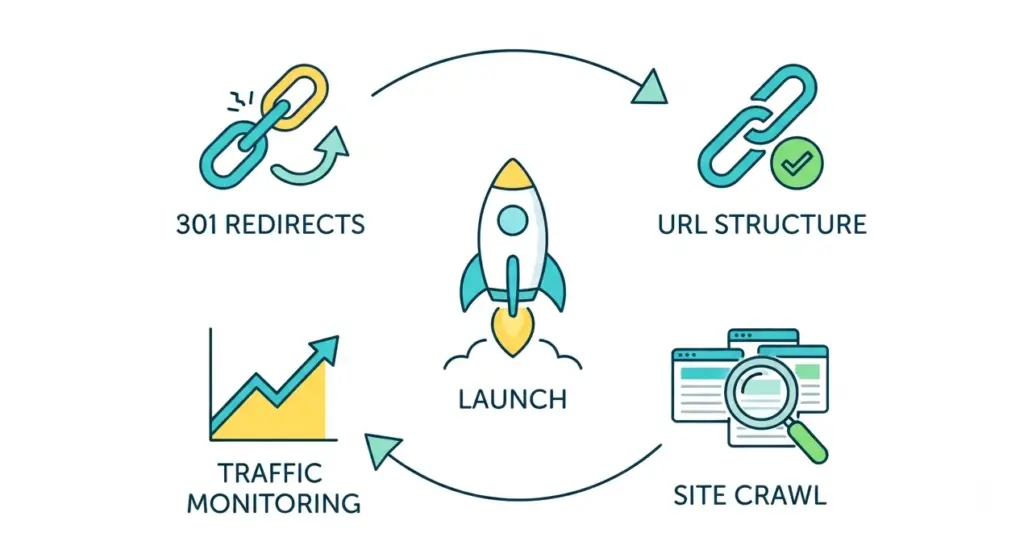
The safest migrations follow a few non-negotiable practices. First, always work from a full backup and verify it before making changes. Second, use a staging environment to test the full experience before switching DNS. Third, freeze content changes during the final sync window so the live site does not drift between backup and launch.
Other best practices include:
- Schedule the final cutover during low-traffic hours.
- Document all custom code, redirects, and integrations.
- Test forms, search, checkout, memberships, and email delivery.
- Compare the old and new site using a crawl tool or manual spot checks.
- Keep the old environment available briefly for rollback if needed.
For agencies, this is where process discipline matters most. The best migrations are repeatable, documented, and observable, so problems are easier to isolate and fix quickly.
FAQ
How long does it take to migrate wordpress site?
Small brochure sites may take only a few hours, while larger or custom sites can take longer because of testing, redirects, and DNS propagation.
Will migration affect SEO?
It can, especially if URLs change or redirects are missing. Careful planning, one-to-one redirects, and post-launch crawling reduce that risk significantly.
Can I migrate without downtime?
You can minimize downtime by preparing the new environment in advance, syncing content at the final stage, and switching DNS during a low-traffic window.
Is a plugin enough for every site?
No. Plugins can work well for simpler sites, but complex databases, large media libraries, and custom systems often need a more controlled process.
What should be tested after launch?
Test the homepage, core templates, menus, forms, login, checkout, search, media, caching behavior, and mobile responsiveness, then confirm redirects and analytics are working.
Conclusion
A successful Migrate WordPress Site project depends on planning, precision, and thorough testing, not just moving files from one server to another. When done correctly, it protects SEO, improves performance, and gives the site a more stable foundation for growth.
If you want your next WordPress migration handled with technical discipline, SEO awareness, and minimal business disruption, our agency can help you migrate wordpress site safely and professionally.