Is WordPress Free? Understanding the Costs of Building a Website
The short answer is yes, but with a catch.
The core WordPress software itself is 100% free to download, use, and modify. However, actually running a live, professional website is not free because you still have to pay for essential infrastructure like web hosting (the server where your site lives) and a domain name (your website address).
WordPress is an open-source platform, and you can download the core software for free at WordPress.org. However, to take a site live, you must pay for hosting and a domain. You may also choose to pay for premium templates, custom extensions, and hands-on developer support.
Many beginners misunderstand “free” due to the branding split with WordPress.com. The latter is a fully hosted proprietary service that allows you to build a website for free to begin with, but acts as a subscription model where you must pay monthly fees for advanced features.
The GPL License and the Power of Open Source Software
Because WordPress core is licensed under the GNU General Public License (GPL), you have the freedom to run, modify, and distribute the software for any purpose.
This open-source engine has turned WordPress into the undisputed framework of the web. As of 2026, WordPress powers 43.5% of all websites on the internet, commanding a massive 62.8% market share of the Content Management System (CMS) market.
There is no “pro version” of the core software; enterprise giants and personal bloggers run the exact same codebase. To put this in perspective, WordPress is trust-tested by high-traffic entities like NASA, Time Magazine, Salesforce, and Harvard University.
WordPress.org vs WordPress.com: Key Differences Explained
| Feature | WordPress.org (Self-Hosted) | WordPress.com (Hosted Service) |
|---|---|---|
| Market Share | ~76% of all WordPress sites | ~24% of all WordPress sites |
| Core Software Cost | $0 (Free download) | Free basic plan (Up to $45/mo for Business) |
| Hosting & Domain | Third-party (You purchase & control) | Included (Subdomain on free; custom on paid) |
| Themes & Plugins | Unlimited installation | Restricted on lower tiers; allowed on Business+ |
| Maintenance | You handle updates, backups, & security | Automattic (parent company) handles it for you |
With WordPress.org, you run a “self-hosted” site. You install the software on your own hosting plan, point your own domain to it, and have complete control over your files.
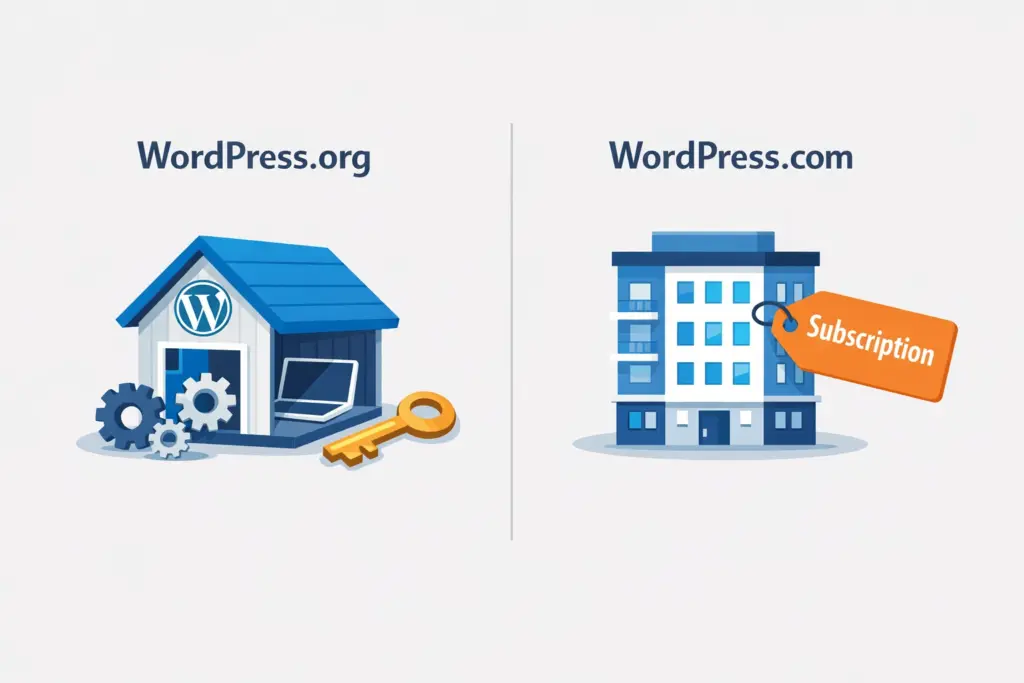
WordPress.com is a hosted software-as-a-service (SaaS) ran by Automattic (a company valued at $7.5 billion). It offers convenience but applies strict limitations to its free tier, such as forcing a .wordpress.com subdomain, displaying random ads on your site, and blocking the installation of custom plugins or themes unless you upgrade to their higher-tier paid plans.
What Do You Get for Free in the WordPress Ecosystem?
While you will have to pay for a domain and hosting, the free ecosystem within WordPress is vast:
- The Core Engine: Free lifetime updates.
- Themes: The official directory hosts nearly 14,000 free themes to control your website’s design.
- Plugins: There are over 63,000 free plugins in the official repository.
Many of the top plugins, like Yoast SEO, Contact Form 7, and Elementor, have over 5 million active installations (the highest tier displayed in the official repository). While many plugins operate on a “freemium” model (offering a great free basic version with optional paid upgrades), you can easily build a highly functional, secure, and fully optimized site using nothing but free tools.
Essential Web Hosting and Domain Costs for Self-Hosted Sites
To run a self-hosted WordPress.org site, you must budget for a few unavoidable infrastructure costs:
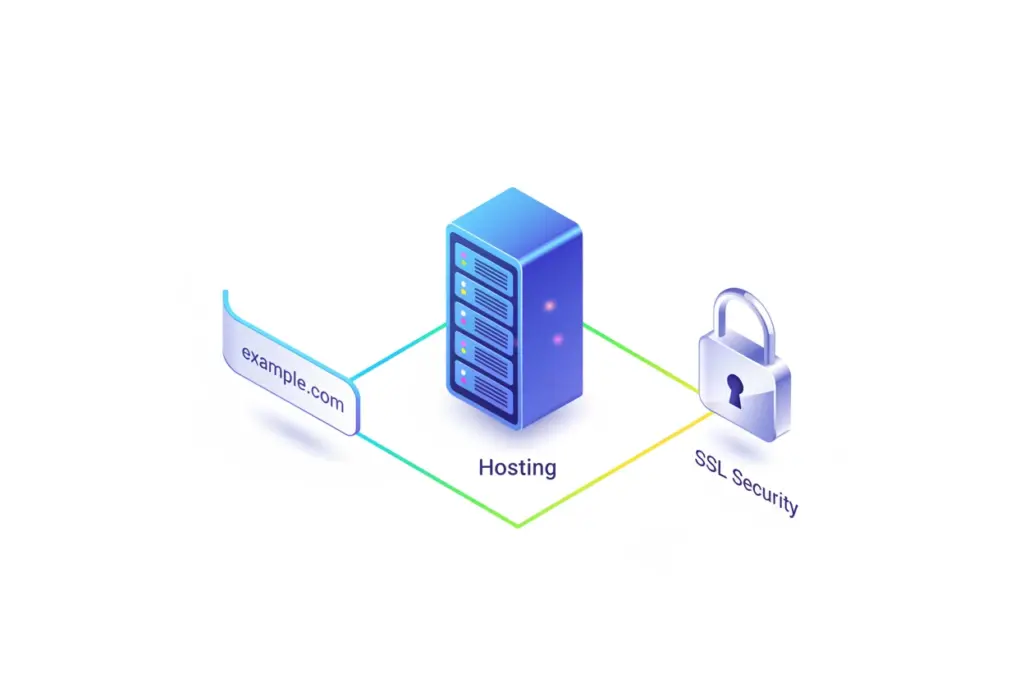
- Domain Name: Your web address (e.g.,
yourbrand.com). This generally costs $10 to $20 annually from a reputable registrar. - Web Hosting: The database computer where your site files reside. This can range from cheap shared hosting ($3 to $10/month) for low-traffic sites, up to managed WordPress hosting ($20 to $100+/month) which is optimized for speed, automatic updates, and daily backups.
- SSL Certificate: Essential for HTTPS encryption. While some registrars charge for this, most quality hosting providers now bundle a free Let’s Encrypt SSL certificate.
When to Invest in Premium WordPress Themes and Plugins
While free plugins are powerful, serious businesses eventually buy premium tools. The average price of a premium theme sits around $59, while robust premium plugins can range from a one-time fee to an annual license of $49 to $199.
Paid tools generally offer cleaner code, deeper customization options, and crucial developer support that saves you troubleshooting time when things break.
Local Development: Building and Testing WordPress for Free
If you want to construct, code, or design your site completely offline without spending a dime, you can install local server environments like Local, XAMPP, or MAMP directly on your computer.
This gives you a 100% free sandbox to build your site. The catch is that the website only exists on your physical machine; nobody else can access it over the internet until you migrate it to a live web host.
Estimating WordPress Budgets for Different Types of Websites
Depending on your goals, a WordPress site’s total cost is highly scalable:
- The Hobbyist Blog: Run on a free WordPress.com subdomain, or on a cheap shared hosting plan with a free theme. Total Cost: $0 to $50/year.
- The Freelancer Portfolio: Requires a professional domain name, high-quality shared hosting, and basic marketing/SEO plugins. Total Cost: $100 to $250/year.
- The Small Business Site: Requires reliable managed hosting, a premium brand theme, specialized security tools, and perhaps a developer’s help for setup. Total Cost: $300 to $1,000 upfront + hosting fees.
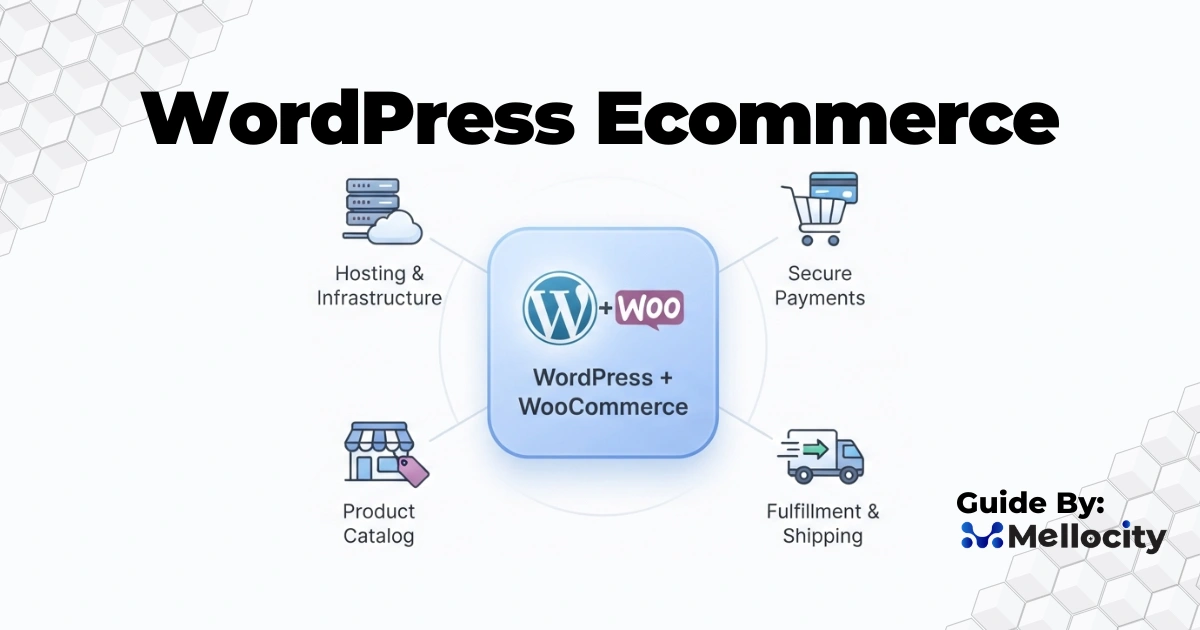
- Enterprise & E-Commerce: Powered by WooCommerce (which runs an incredible 31% of all online stores globally). This requires cloud or dedicated hosting capable of handling traffic spikes, heavy security, and robust database backups. Total Cost: $1,000 to $10,000+/year.
WordPress vs. Proprietary Website Builders: Wix and Squarespace Compared
| Feature | WordPress (Self-Hosted) | Proprietary Builders (Wix / Squarespace) |
|---|---|---|
| Ownership | 100% (Your files, your data) | Renting (You are locked into their ecosystem) |
| Portability | Backup and migrate to any host | Extremely difficult or impossible to migrate out |
| Customization | Unlimited (Millions of developer tools) | Restricted to their built-in application marketplace |
| Average Load Speed | Highly dependent on hosting; average is 3.4 seconds | Managed automatically; average is 1.4s to 2.8s |
Proprietary builders offer a turn-key experience where hosting, security, and design are wrapped into one monthly bill. However, you pay a premium for this convenience and sacrifice ultimate control.
WordPress grants you complete software ownership. If a web host raises their prices or experiences downtime, you can package your database and move it to a competitor in minutes.
Debunking 4 Common Myths About Free WordPress Software
Myth 1: “If WordPress is free, I can have a professional site for nothing forever.”
While the software is free, a professional web presence requires professional infrastructure. You will always need to fund hosting and domain registrations to stay live and maintain credibility.
Myth 2: “Free software means cheap, low-quality software.”
This is a misconception. Because WordPress is open-source, thousands of developers worldwide audit and improve its code daily. It powers roughly 38% of the top 10,000 websites in the world, proving it is fully enterprise-capable when paired with elite hosting.
Myth 3: “I’ll have to pay WordPress.org once my traffic grows.”
You will never pay a penny to WordPress.org, no matter if you get 10 visits a month or 10 million. Your scaling costs go entirely to your web hosting provider to cover the server resources consumed by your visitors.
Myth 4: “Free plugins and themes are untrustworthy or unsafe.”
While abandoned plugins exist, the repository’s rating system acts like an app store. If you stick to plugins with high active installation counts (e.g., 100k+), recent updates (compatible with the current WordPress version), and active support forums, free plugins are highly secure. In fact, 97% of WordPress vulnerabilities originate from unpatched or outdated third-party plugins rather than the core WordPress system.
Crucial Questions to Ask Before Choosing a Free vs. Paid Setup
To determine where to save and where to invest, ask yourself these four foundational questions:
- What is the primary purpose of this website? If it’s a revenue-generating business, spending money on quality hosting and design is an investment in consumer trust and domain authority.
- How much time am I willing to spend tweaking code? If your time is valuable, paying for a premium theme or managed hosting that automates backups and performance can save you hundreds of frustrating hours.
- What upgrades will actually move the needle for my goals? Don’t buy premium tools just because they look fancy. Focus your initial budget strictly on fast hosting and a clean, responsive layout.
- Is this website built to scale? If you plan on growing your traffic, generating search leads, or selling products, start with a self-hosted WordPress setup and your own domain name from day one so you never have to deal with painful site migrations later.