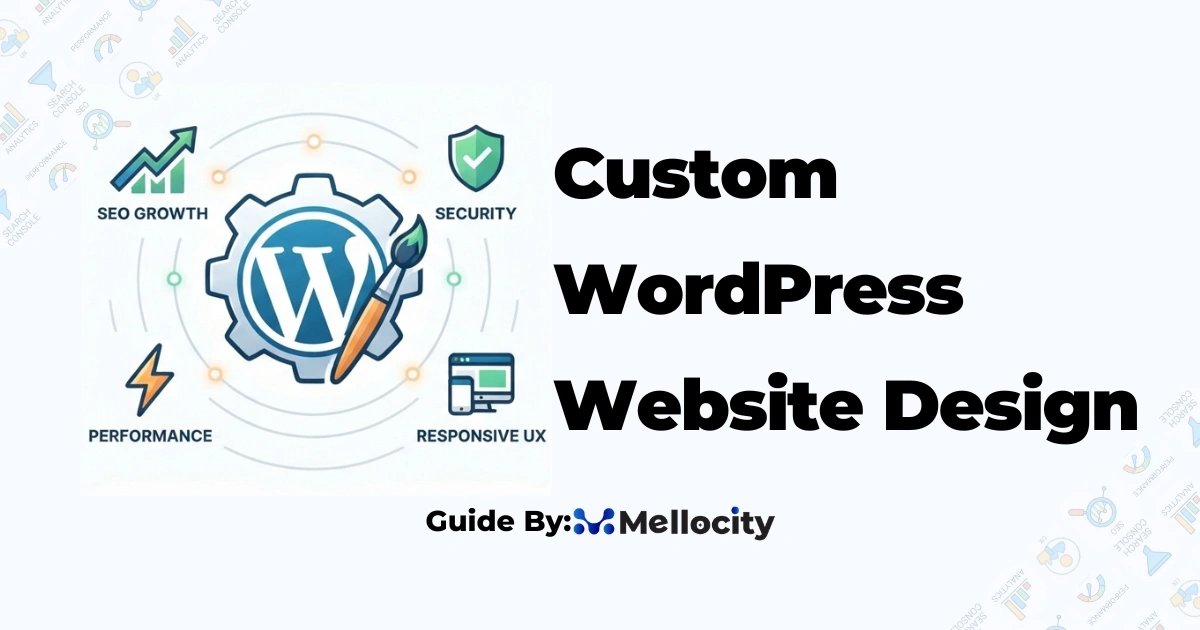
Custom WordPress website design gives businesses a bespoke, scalable, and SEO-friendly web presence tailored to objectives, conversion goals, and brand identity. A well-executed custom WordPress website design balances performance, security, and user experience to increase conversions, reduce maintenance overhead, and improve search visibility. Below is a practical guide to the key decisions, technical requirements, and evaluation criteria you should use when buying or building a custom WordPress site.
Why Custom WordPress Design Matters
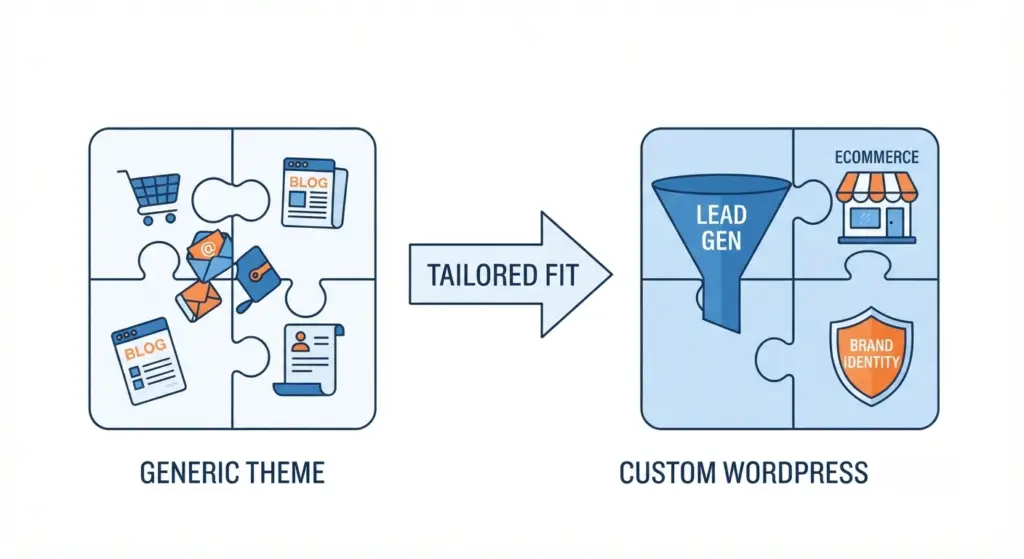
- Custom WordPress design aligns your site with specific business goals (lead generation, e-commerce revenue, brand positioning) instead of forcing your business into a generic theme structure.
- It reduces long-term technical debt by including only necessary features, improving load times, and simplifying updates and troubleshooting.
- It improves SEO and conversion potential by enabling structured data, clean semantic markup, and UX patterns tailored to your target users.
How To Evaluate a Custom WordPress Project
1. Business Objectives and KPIs
- Define measurable goals like conversion rate, qualified leads per month, e-commerce revenue, or organic traffic growth so you can evaluate ROI after launch.
- Map key page types to KPIs, for example: homepage for awareness, service or product pages for discovery, and landing pages for focused conversion.
2. Core Technical Requirements
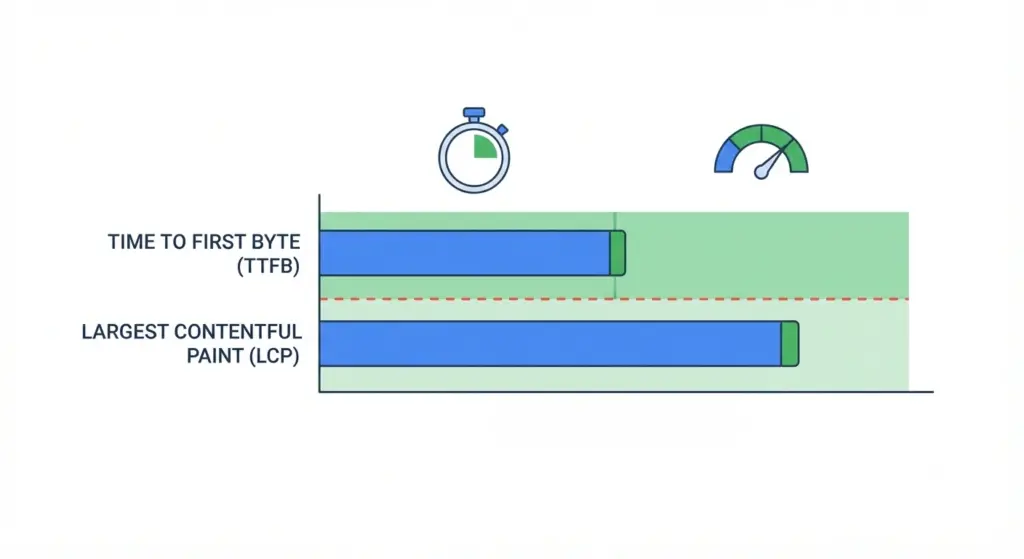
- Set performance budgets for metrics such as Time to First Byte (TTFB) and Largest Contentful Paint (LCP) so design and development decisions support Core Web Vitals from day one.
- Choose robust hosting with optimized PHP, database, caching, and a CDN to ensure consistent speed under traffic spikes.
- Implement strong security and update practices including least-privilege access, vetted plugins, and regular maintenance windows.
- Build with accessibility and semantic markup in mind so the site meets at least WCAG AA guidelines and supports assistive technologies.
- Plan for scalability with caching layers, optimized queries, and an architecture that can handle growth in traffic and content.
3. Architecture and Development Approach
- Decide between traditional and headless WordPress based on needs: headless fits complex front-ends or multi-channel delivery, while a traditional custom theme often delivers better SEO and simpler management.
- Use a lean custom theme or block-based starter framework instead of bloated multipurpose themes to keep the codebase performant and maintainable.
- Define a strict plugin policy: favor a small set of trusted, well-supported plugins and use custom code where plugins are heavy or unnecessary.
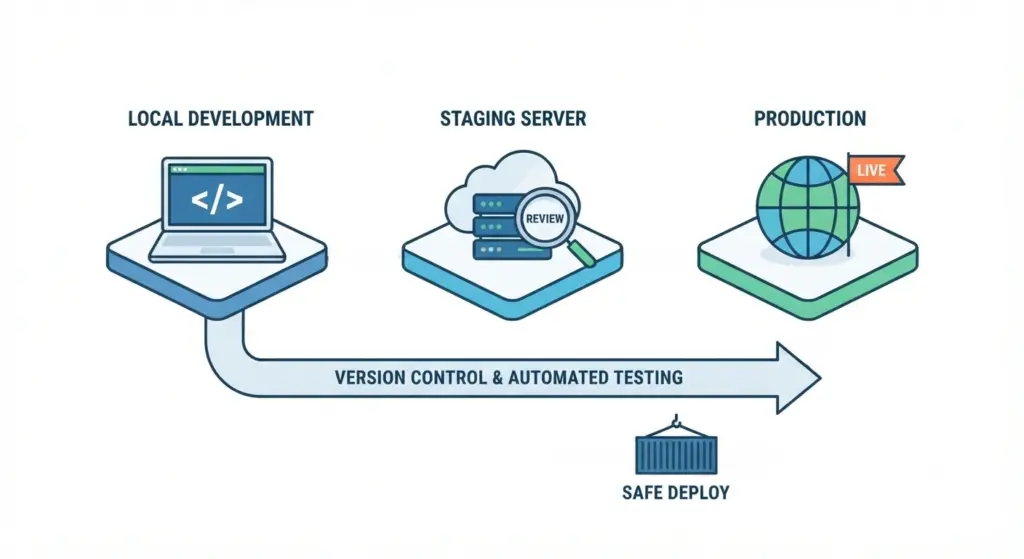
- Implement a deployment pipeline with staging, version control, and automated testing so changes can be shipped safely and consistently.
Design and UX Principles for Custom WordPress
- Create a design system and reusable components so new pages and features can be built quickly without visual inconsistency.
- Use mobile-first responsive design, prioritizing essential content and calls-to-action for small screens and optimizing images for bandwidth and layout.
- Design for conversions with clear visual hierarchy, minimal friction in forms, and intuitive navigation that guides users to primary actions.
Custom WordPress Design and SEO
SEO-First Architecture
- Structure your information architecture around topics and search intent, grouping content into logical clusters that support priority keywords such as custom WordPress website design, performance optimization, and WooCommerce.
- Implement technical SEO basics including XML sitemaps, canonical tags, clean URL structures, and appropriate hreflang if you serve multiple regions or languages.
- Add structured data (schema) for Organization, Product, FAQ, and Article where relevant to increase the chance of rich results.
On-Page Optimization
- Use unique, descriptive title tags and meta descriptions for each template and key landing page, reflecting the page’s primary intent and target keyword.
- Apply heading structures (H1–H3) that reflect content hierarchy and include natural mentions of phrases like “custom WordPress website design” where they genuinely fit.
- Ensure internal linking supports your content clusters and helps both users and search engines understand relationships between pages.
Core Web Vitals and Performance
- Design and code to meet Core Web Vitals benchmarks for LCP, Interaction to Next Paint (INP), and Cumulative Layout Shift (CLS), as these directly affect rankings and user satisfaction.
- Avoid heavy page builders, unnecessary scripts, and oversized media that commonly cause Web Vitals failures on WordPress sites.
Performance Optimization Checklist
- Optimize CSS and JavaScript by inlining critical CSS for above-the-fold content and deferring or conditionally loading non-critical scripts.
- Use modern image formats such as WebP or AVIF with responsive
srcsetand lazy loading for below-the-fold images. - Configure page caching, object caching (e.g., Redis), and a CDN to serve cached HTML and static assets close to users.
- Regularly clean the database by removing unnecessary post revisions, transients, and orphaned data that slow down queries.
Security and Maintenance Essentials
- Reduce attack surface by removing unused themes and plugins, disabling the built-in file editor, and tightening file permissions.
- Enforce strong authentication with unique logins, strong passwords, and multi-factor authentication for administrators and key roles.
- Protect sensitive endpoints such as
wp-login.phpwith rate limiting, bot filtering, and HTTPS-only access. - Implement a robust backup strategy with frequent incremental backups, periodic full backups stored offsite, and tested restore procedures.
Measuring Success and Continuous Improvement
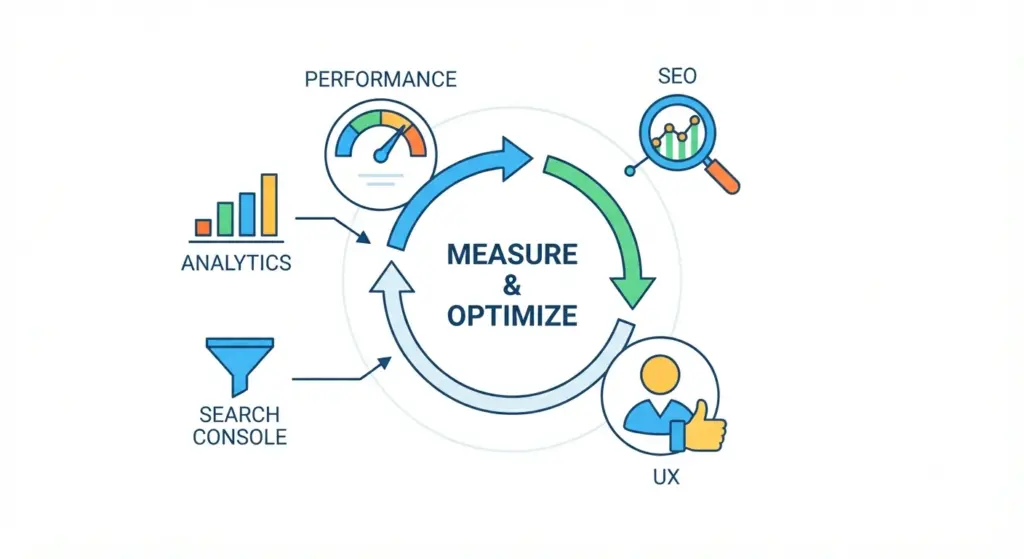
- Establish pre-launch baselines for metrics such as organic traffic, page speed, bounce rate, and conversion rate so gains can be clearly measured after launch.
- Monitor the site using analytics tools, Search Console, uptime monitoring, and error tracking to catch issues early.
- Schedule regular reviews for performance, SEO, and UX, and run A/B tests on high-impact pages to keep improving outcomes over time.
Common Custom WordPress Project Types
| Project type | Typical focus | Recommended approach (high level) |
|---|---|---|
| Small business brochure site | Credibility, lead generation, local SEO | Lightweight custom theme, optimized contact forms, schema for local business and services. |
| E-commerce (WooCommerce) | Product discovery, conversion rate, checkout optimization | Custom WooCommerce templates, performance-focused hosting, product schema, solid caching. |
| Membership / LMS | Access control, engagement, recurring revenue | Carefully chosen membership/LMS stack or custom solution, strong security and performance. |
| Enterprise / multisite | Governance, scalability, multi-brand or multi-region content management | Multisite or multi-instance setup, centralized deployment and identity, strict plugin policies. |
Cost Drivers and Timelines
- Major cost drivers include custom UX and UI, integration complexity (CRM, ERP, third-party APIs), custom plugin development, and the depth of testing and QA.
- Timelines commonly range from a few weeks for simple brochure sites to several months for complex e-commerce or enterprise platforms, depending on scope and stakeholder involvement.
Quick Decision Framework
- Clarify the primary conversion action (e.g., booking, demo request, purchase) and identify how many unique templates your custom WordPress website design will require.
- List all required integrations such as payment gateways, marketing automation, analytics, CRM, or inventory systems.
- Define performance, uptime, and security expectations so your development partner can design an architecture that meets those targets.
Example Deliverables Checklist
- Discovery and requirements documentation with agreed KPIs and success metrics.
- UX wireframes and high-fidelity UI designs for key templates and components.
- Custom WordPress theme development, including Gutenberg/block patterns or custom blocks as needed.
- Curated and documented plugin stack, with explanations of each plugin’s role and alternatives.
- Staging environment, CI/CD deployment pipeline, and handover documentation.
- Analytics, Search Console, and basic event tracking configuration for post-launch monitoring.
FAQ:
Q1: What is custom WordPress design?
A: Custom WordPress website design is the process of creating a tailor-made WordPress site—theme, templates, and functionality—built specifically around a business’s goals, brand, performance, and security requirements.
Q2: How is a custom WordPress site different from using a pre-made theme or page builder?
A: Off-the-shelf themes and visual page builders often include large amounts of generic code and features you do not need, which can slow the site down and complicate maintenance. A custom build is streamlined around your exact requirements, which typically improves performance, flexibility, and long-term stability.
Q3: Is custom WordPress design worth the extra cost?
A: For sites that need strong branding, advanced integrations, high traffic capacity, or serious conversion optimization, custom design and development usually deliver better return on investment than repeatedly patching a generic theme. The key is to tie the investment to clear KPIs and track results after launch.
Q4: How long does a custom WordPress project usually take?
A: Timelines vary with complexity, but many projects fall into ranges like several weeks for simple brochure sites and several months for complex e-commerce, membership, or enterprise builds. Content readiness and decision speed from stakeholders significantly affect duration.
Q5: Can a custom WordPress site be both fast and secure?
A: Yes, speed and security are design and architecture decisions, not afterthoughts. With a lean theme, optimized assets, caching, hardening best practices, and good hosting, WordPress can achieve strong performance and resilience against common threats.
Q6: Will custom design affect my SEO?
A: Properly executed custom WordPress website design typically improves SEO, because it allows for cleaner HTML, faster loading, better internal linking, and comprehensive schema implementation tailored to your content. Issues arise only when performance or technical SEO are neglected during the build.
A custom site is only as valuable as it is secure. If you are looking to harden your infrastructure from the ground up, explore our complete guide: How to Secure a WordPress Site?
If you are planning a new custom WordPress website design or considering rebuilding an existing site, start by clarifying objectives, constraints, and must-have integrations. From there, the right technical strategy and implementation partner can translate those requirements into a fast, secure, and conversion-focused WordPress presence that supports your growth.
If you would like expert support, the next step is to share your goals and current website details so a tailored custom WordPress website design plan can be created for your business.