
The preview is the invoice
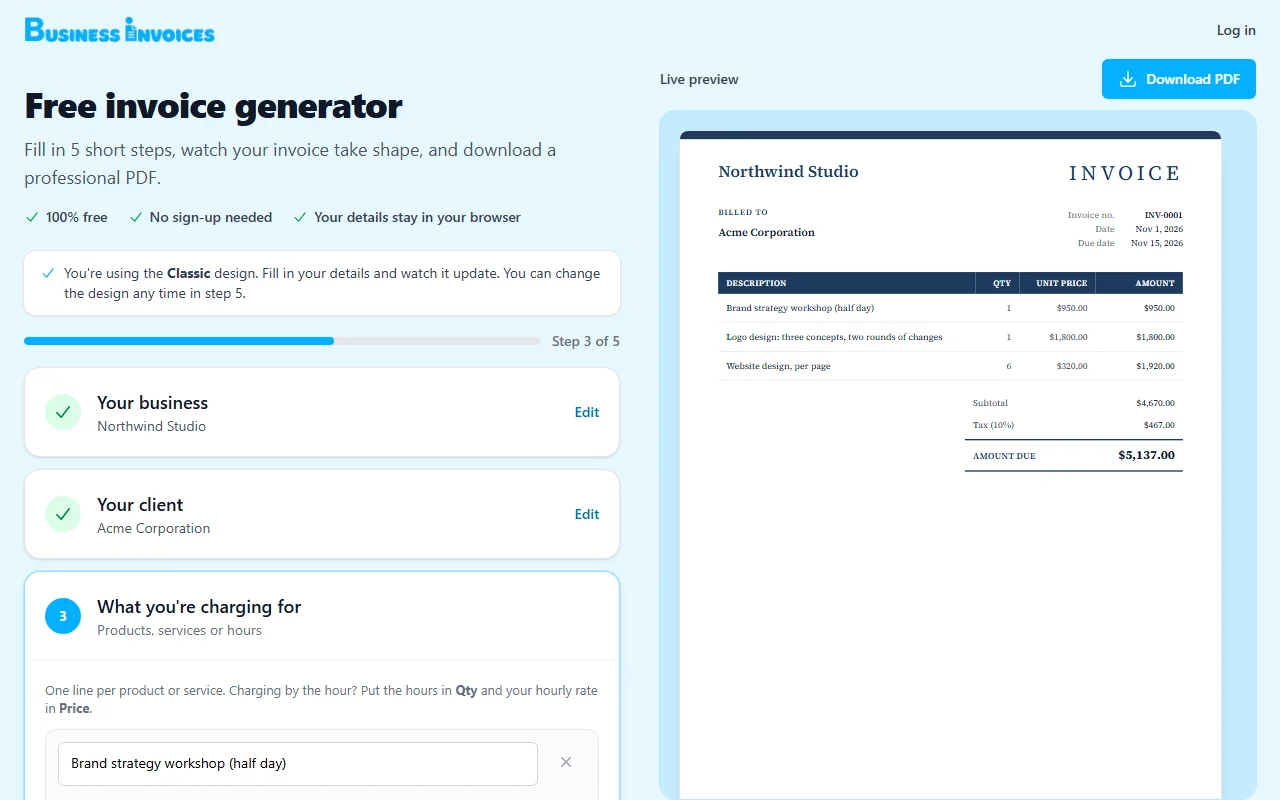
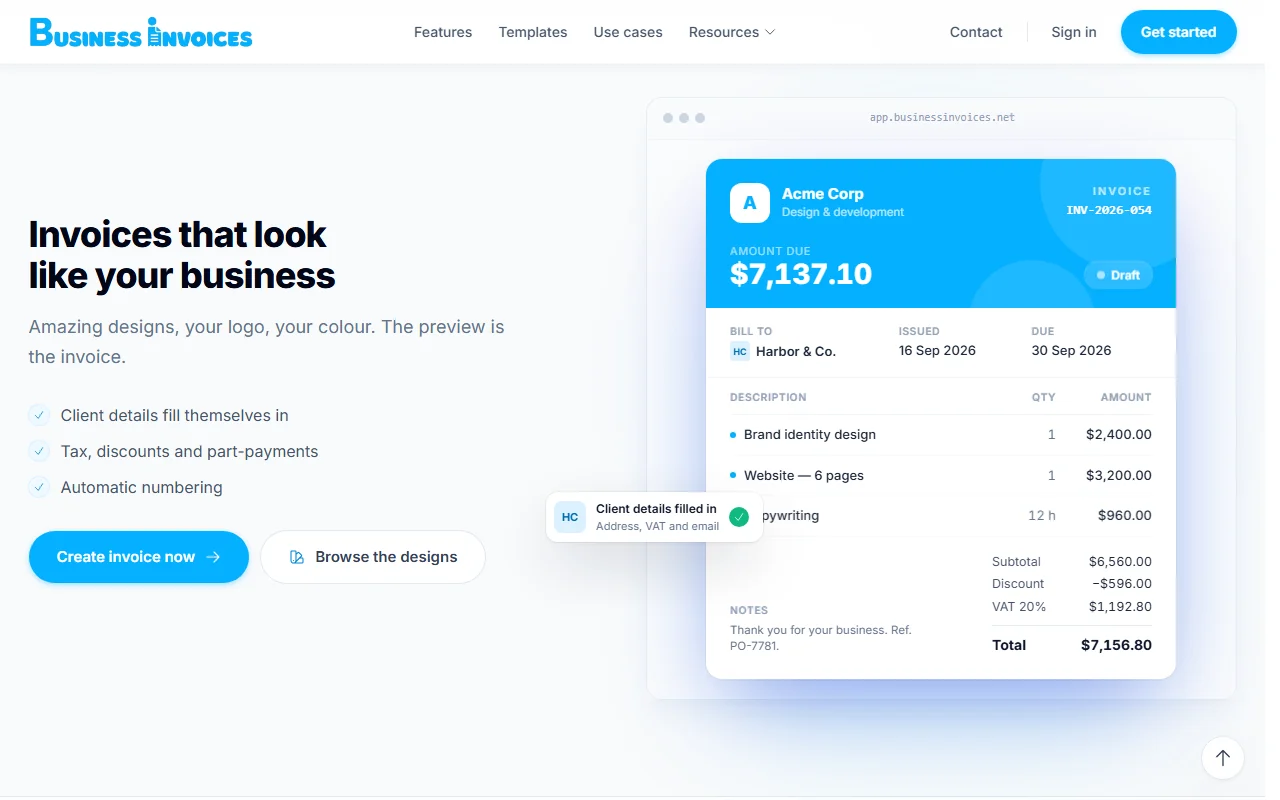
Write on a live A4 page. Line items, tax, discounts and totals update as you type, and what you see is exactly what prints.
Web App Live
Create a branded invoice in 30 seconds. Pick a client, add the work, download the PDF.
650+
Invoice designs
All
Currencies available
5
Short steps to a PDF
0
Sign-ups to start
Look professional from the first invoice, without paying for a big accounting suite.
Bill projects and retainers in your brand colours, with numbering that stays in order.
Keep every client and invoice in one place, and see at a glance who still owes you.
Invoice as several companies from one account, each with its own details and number series.
Change the document title and the same editor makes quotations, pro-forma invoices and receipts.
Open the free invoice generator and fill in your business, your client, what you are charging for, and the dates and payment details. Skip anything you don’t need — the A4 preview updates as you type.
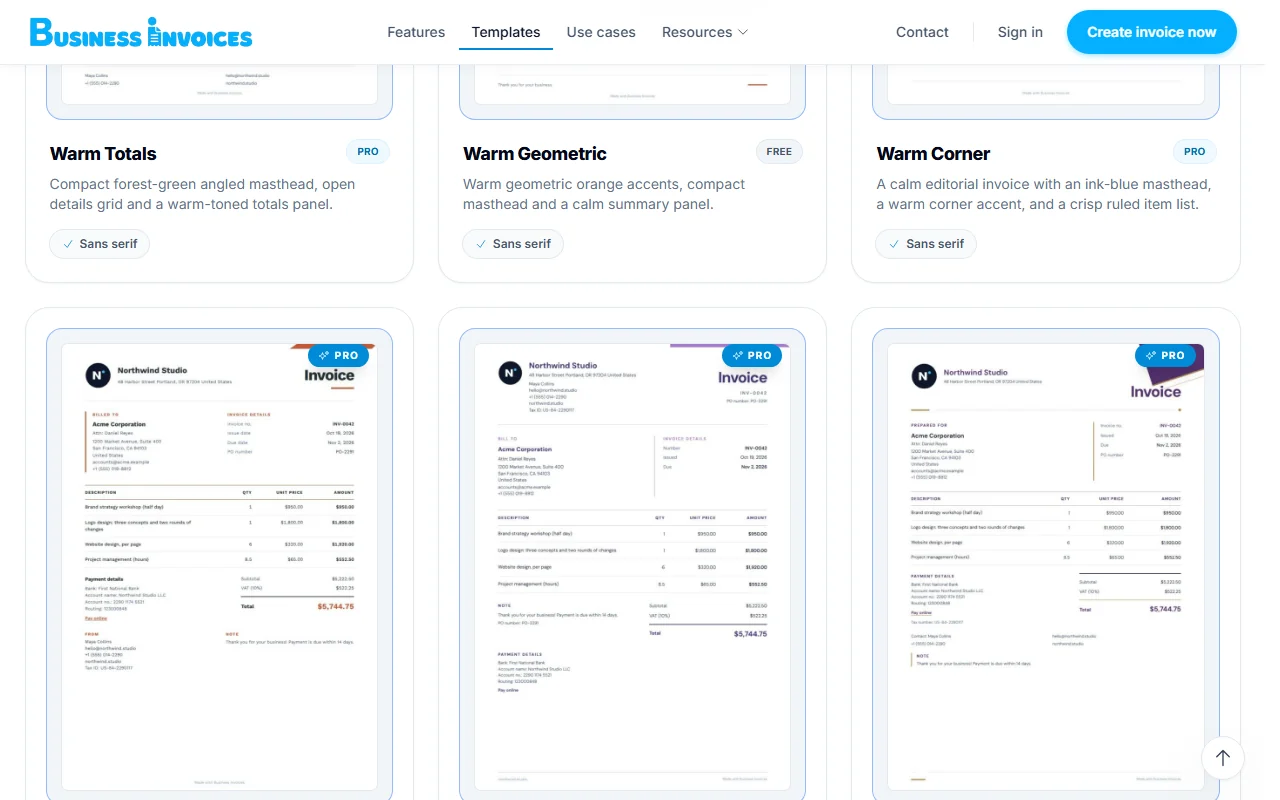
Choose from more than 650 designs, add your logo and pick your brand colour. Tax, discounts and amounts already paid are worked out for you, in any of All currencies or one you type in.
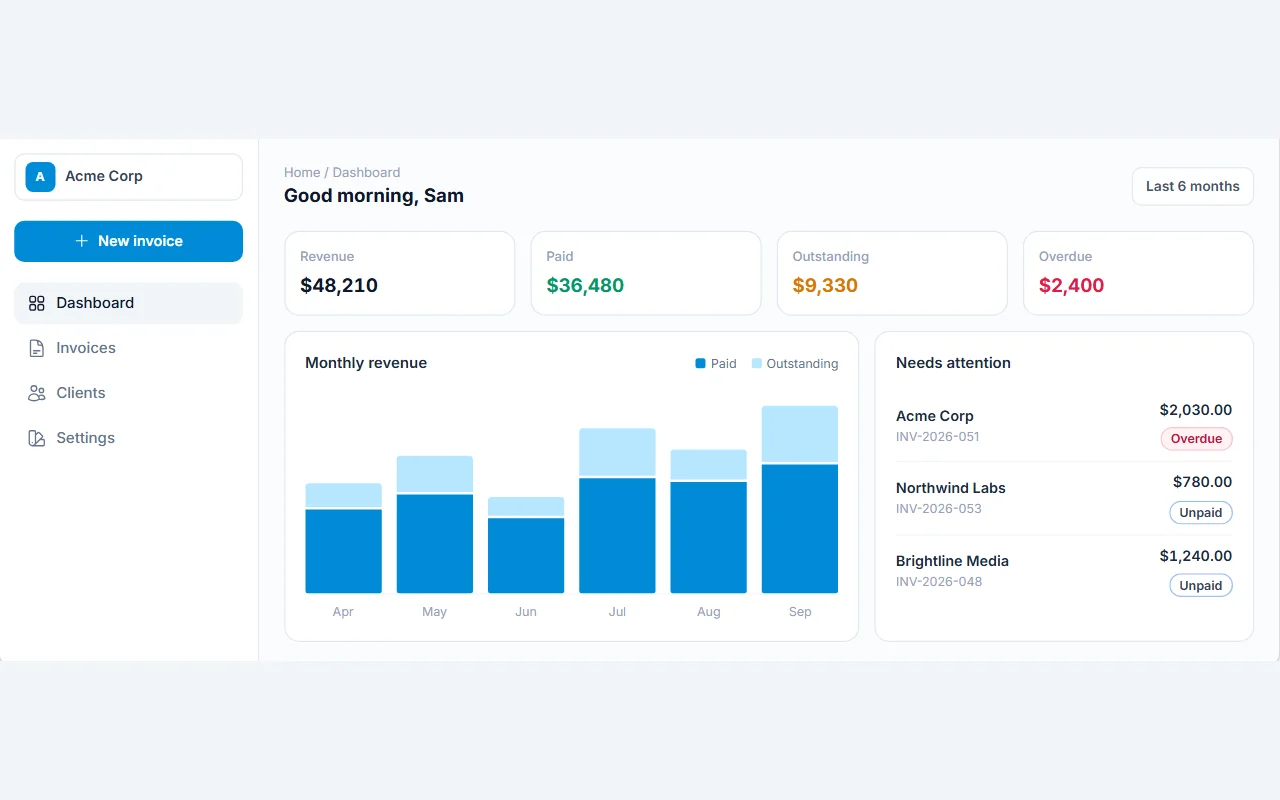
Download the PDF and send it. Create an account to keep the invoice on record, mark it paid in one click and see what is outstanding or overdue on your dashboard.
Write on a live A4 page. Line items, tax, discounts and totals update as you type, and what you see is exactly what prints.
Upload a PNG, JPG, GIF or WebP logo up to 2 MB and pick a brand colour. Every design uses both.
Percentage or fixed amount with your own label — VAT, GST or sales tax — plus discounts and part-payments.
Seventeen currencies built in, from USD, EUR and GBP to AED, PKR and JPY — or type any other code.
Set a prefix with {YYYY}, {YY} or {MM}, a digit count and a start number. The next number fills itself in.
Save a client once — address, contact, tax number, notes — and their details fill in on the next invoice.
Mark invoices paid in one click; unpaid invoices past their due date turn overdue on their own. Lock paid invoices, restore deleted ones from Trash and check the activity history.
The questions people ask before their first invoice.
Yes. The invoice generator is free and needs no sign-up, and free designs are included with every account. Some designs are marked Pro and need a Pro account.
Not to make an invoice. The generator works without signing up and keeps your details in your browser. Create an account when you want to keep invoices and clients on record and track what is paid.
Yes. Every invoice has a print-ready A4 view — use Save & Print and choose Save as PDF.
Yes. The document title is editable, so the same editor works for quotations, pro-forma invoices and receipts.
Yes. Add each company with its own name, logo, colour, legal details and number series, then pick which one an invoice comes from. All companies share one client directory.
Only you. Your records are private to your account, your data is never sold and your invoices and clients are never used for advertising.
Tips, guides, and updates from the Mellocity team.
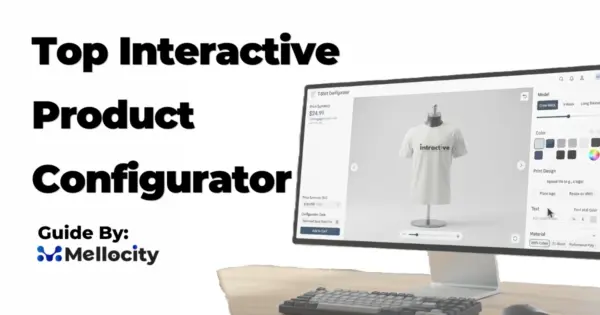
top interactive product configurator top interactive product configurator – automatically generated SEO helper content for this page. Services related to top interactive…
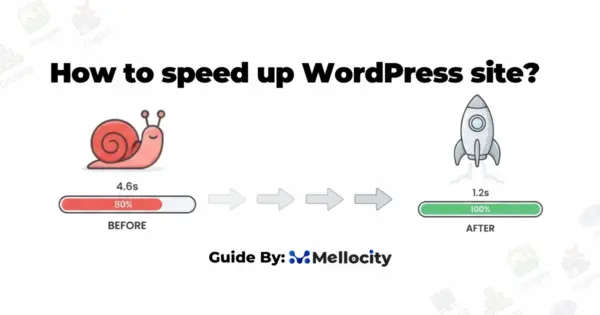
how to speed up wordpress site how to speed up wordpress site – automatically generated SEO helper content for this page. Services…
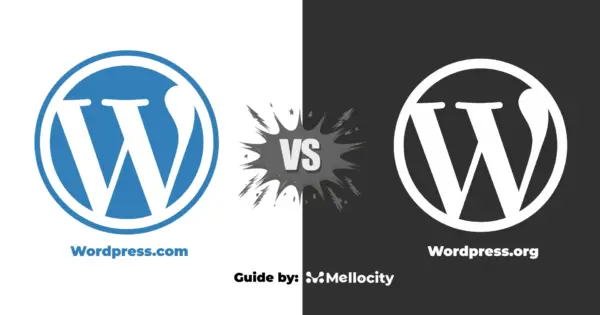
wordpress.com vs wordpress.org wordpress.com vs wordpress.org – automatically generated SEO helper content for this page. Services related to wordpress.com vs wordpress.org External…
Partner with us for digital solutions that drive results.